1
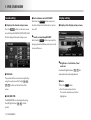
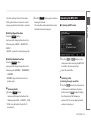
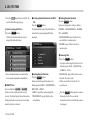
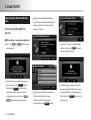
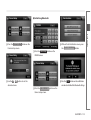
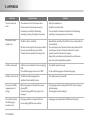
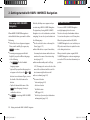
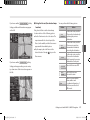
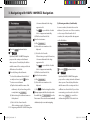
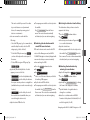
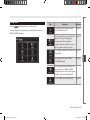
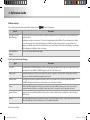
■ When a phone is already registered
Select the Bluetooth phone you wish to
connect and press the Connect button.
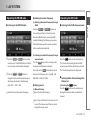
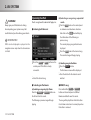
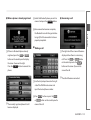
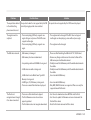
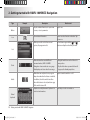
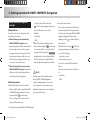
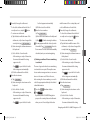
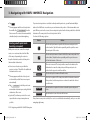
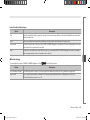
■ Answering a call
Once connection becomes complete,
the Bluetooth icon will change into blue
BLUETOOTH
to signify that the connection has been
properly completed.
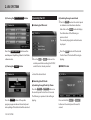
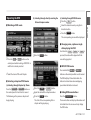
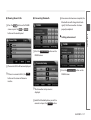
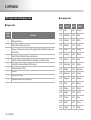
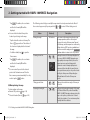
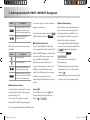
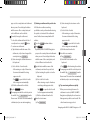
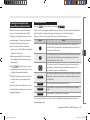
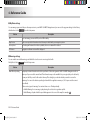
■ Making a call
If there is a Bluetooth phone already
registered, press the CALL or PHONE
The right side of the screen will become
displayed when there is an incoming
call. Press the CALL or PHONE button
button on the control panel to display
the screen shown on the right.
Press the YES button to connect the
on the control panel or the
phone.
answer the call.
Call
button on the screen if you wish to
The call will become connected.
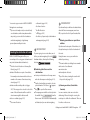
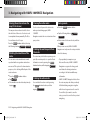
Use the dial pad positioned on the right
side of the PHONE mode screen and
input the desired phone number.
Press
Call
button or press the CALL
or PHONE button on the control panel to
The currently registered phone list will
connect the call.
become displayed.
BLUETOOTH 1-15