1
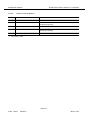
Performance monitoring
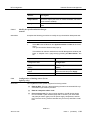
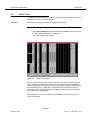
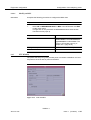
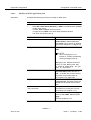
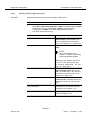
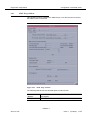
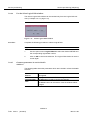
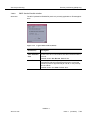
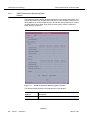
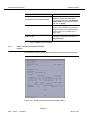
Network profiles
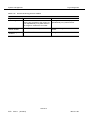
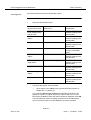
Parameters/
Buttons
Description
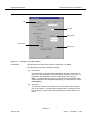
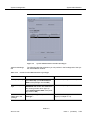
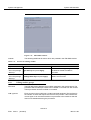
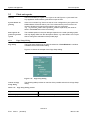
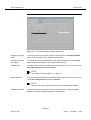
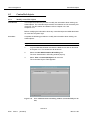
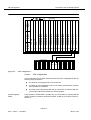
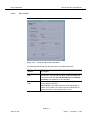
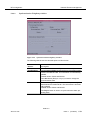
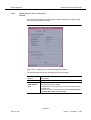
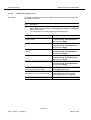
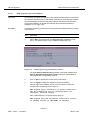
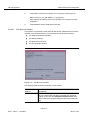
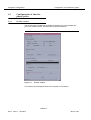
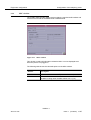
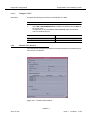
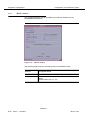
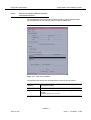
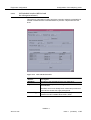
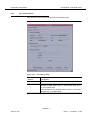
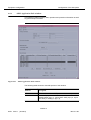
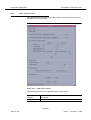
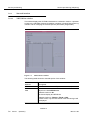
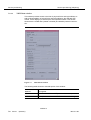
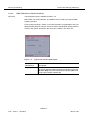
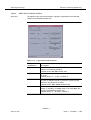
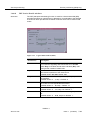
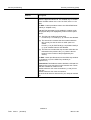
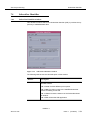
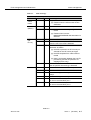
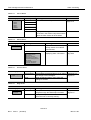
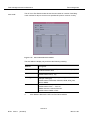
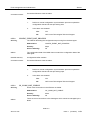
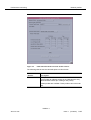
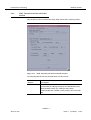
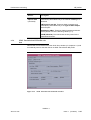
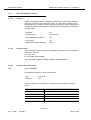
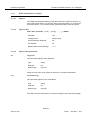
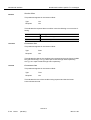
Network Profile
Information
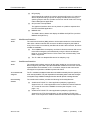
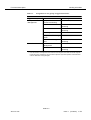
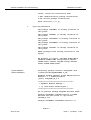
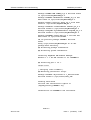
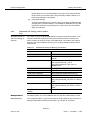
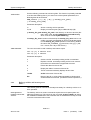
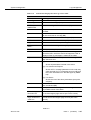
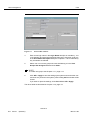
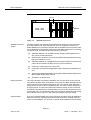
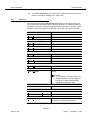
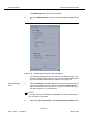
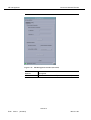
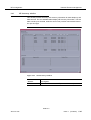
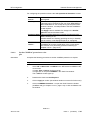
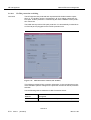
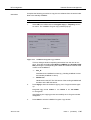
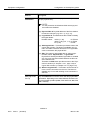
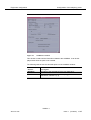
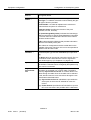
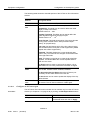
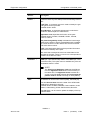
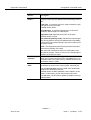
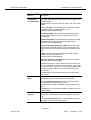
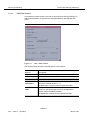
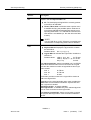
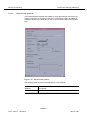
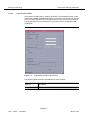
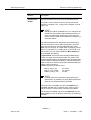
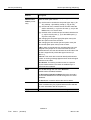
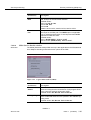
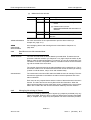
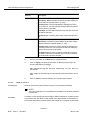
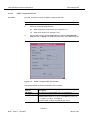
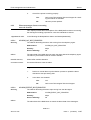
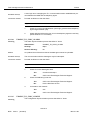
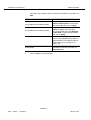
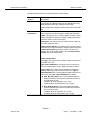
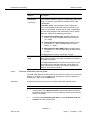
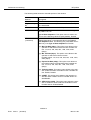
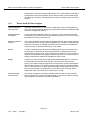
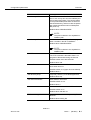
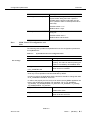
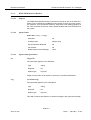
Network Profile Name: This text field shows the profile
name. The entry can be changed in create and edit mode.
Status: This option menu is used to define the status of the
profile: Activated, Deactivated. Activated means that the profile can be used in cross-connections.
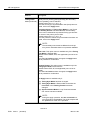
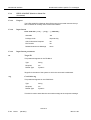
Description: This list box can be used to include a description of the network profile.
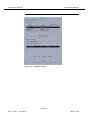
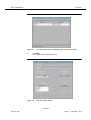
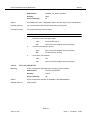
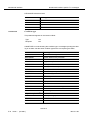
Network Profile Pattern: This option menu is used to select
a template for a new profile and to display its data in the field
Network Profile Data (see below). None can also be selected. In this case all parameters in the field Network Profile Data are reset to zero.
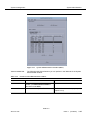
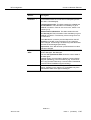
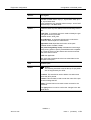
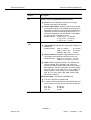
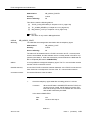
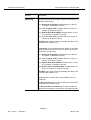
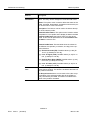
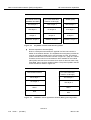
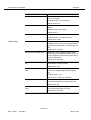
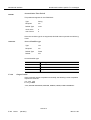
Network Profile Data:
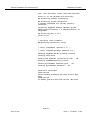
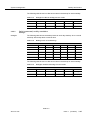
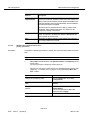
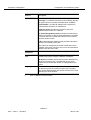
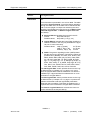
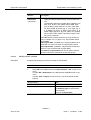
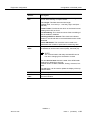
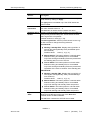
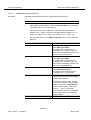
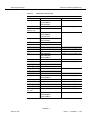
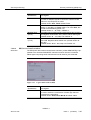
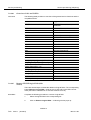
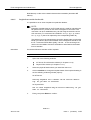
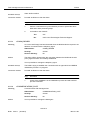
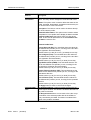
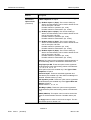
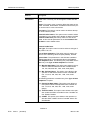
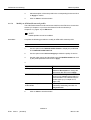
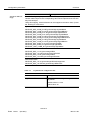
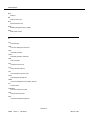
Errored Seconds (ES): Four text fields show the values for
two different time periods (15 min, one day) for the two directions (upstream and downstream).
Possible values: {0, 900} for 15 min, {0, 86400} for one day.
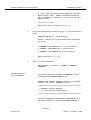
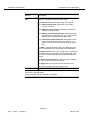
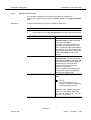
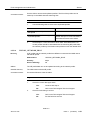
Loss of Signal (LOS): Four text fields show the values for
two different time periods (15 min, one day) for the two directions (upstream and downstream).
Possible values: {0, 90} for 15 min, {0, 8640} for one day.
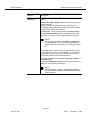
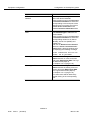
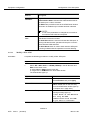
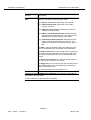
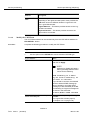
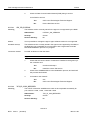
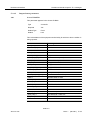
High Bit Error Rate (HBER): Four text fields show the values for two different time periods (15 min, one day) for the
two directions (upstream and downstream).
Possible values: {0, 90} for 15 min, {0, 8640} for one day.
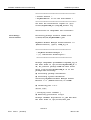
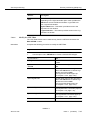
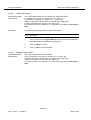
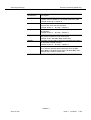
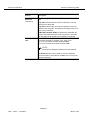
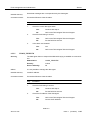
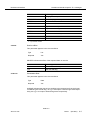
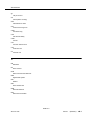
Remote Failure Indication (RFI): Two text fields show the
values for two different time periods (15 min, one day) for the
downstream direction.
Possible values: {0, 90} for 15 min, {0, 8640} for one day.
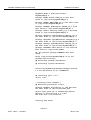
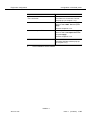
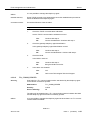
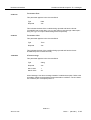
Loss of Frame (LOF): Two text fields show the values for
two different time periods (15 min, one day) for the upstream
direction.
Possible values: {0, 90} for 15 min, {0, 8640} for one day.
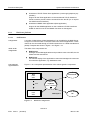
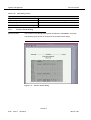
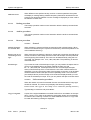
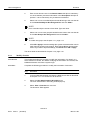
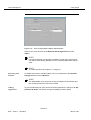
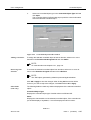
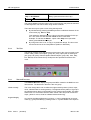
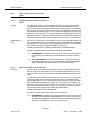
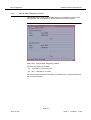
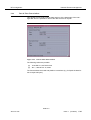
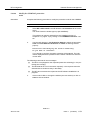
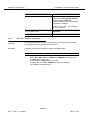
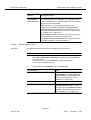
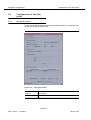
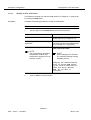
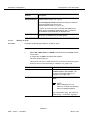
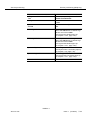
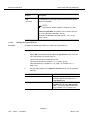
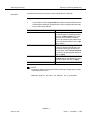
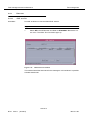
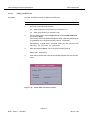
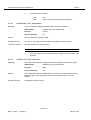
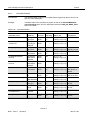
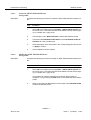
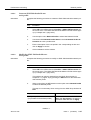
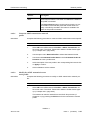
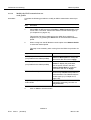
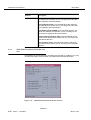
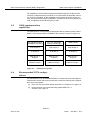
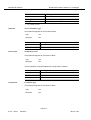
The Apply button is used to confirm the changes.
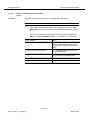
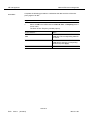
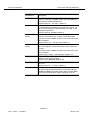
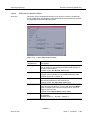
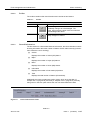
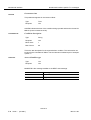
Command buttons
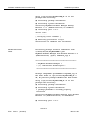
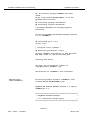
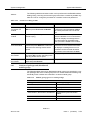
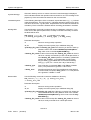
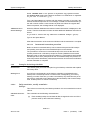
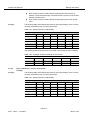
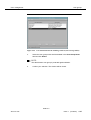
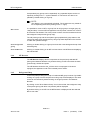
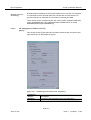
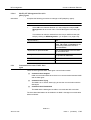
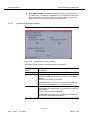
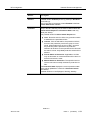
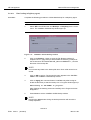
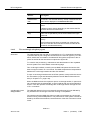
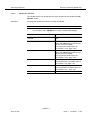
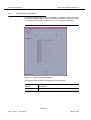
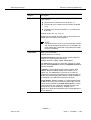
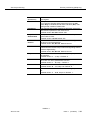
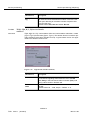
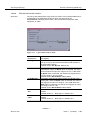
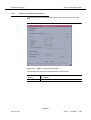
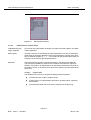
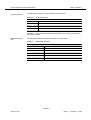
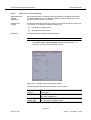
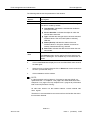
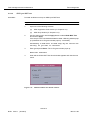
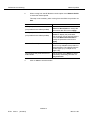
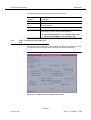
The Affected Objects... button provides access to the Affected Objects window. This button is enabled if the status of
the profile is Activated.
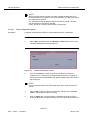
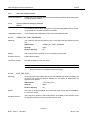
The Resynchronize button can be used to force the re synchronization of the selected profile with all the AFMs currently controlled by the NAM. This button is enabled if the
status of the profile is Activated.
NAM R1.9
9-20
Issue 1
(02.2001)
363-211-497