1
Quick Start
Running
a Test
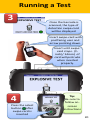
3
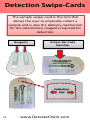
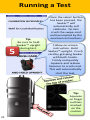
Once the barcode is
scanned, the type of
detection swipe-card
will be displayed
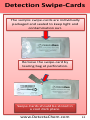
Insert swipe-card with
pad facing user and
arrow pointing down.
Insert until swipecard stops. (½
inch)/ 14mm) of
card will protrude
when inserted
properly.
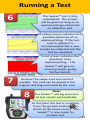
4
Press the select
button after
swipe-card is
inserted
Tip:
Be sure to
follow onscreen
instructions
20