1
IQ® Programmer Reference Manual
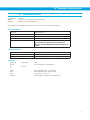
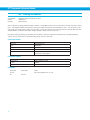
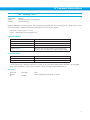
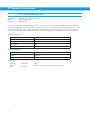
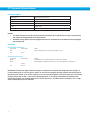
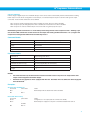
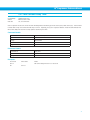
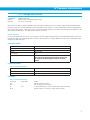
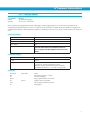
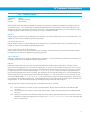
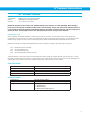
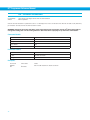
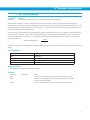
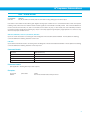
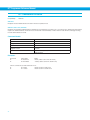
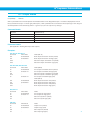
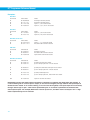
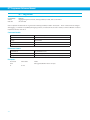
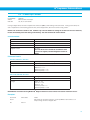
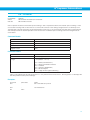
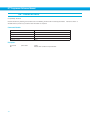
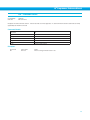
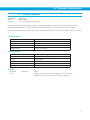
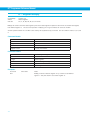
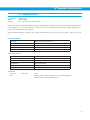
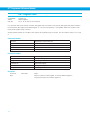
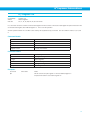
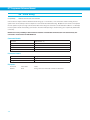
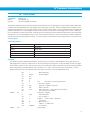
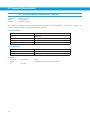
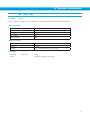
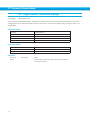
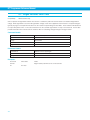
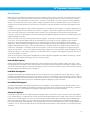
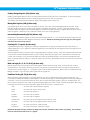
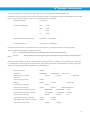
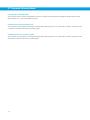
CP - Change Peak Current
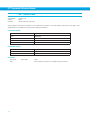
Compatibility:
Affects:
See also:
Servo drives only
Motor current, especially during acceleration and deceleration
CC, PC, PP commands
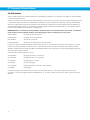
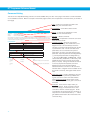
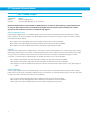
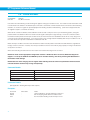
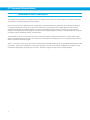
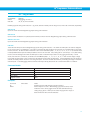
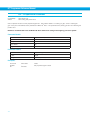
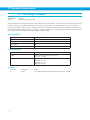
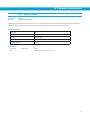
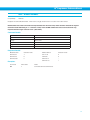
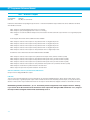
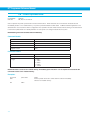
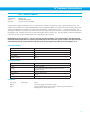
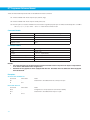
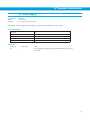
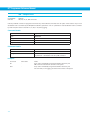
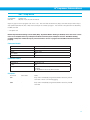
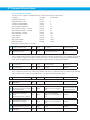
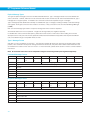
Sets or requests the peak (RMS) current setting of the servo drive. Peak current sets the maximum current that should be used
with a given motor. When the motor position requires more than the continuous value, the peak current time calculation is done
using I2/T which integrates current values for more accurate modeling of drive and motor heating. The servo drive will allow peak
current for not more than one second. After one second of operation at peak current the current is reduced to the continuous
current setting (see CC command).
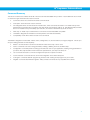
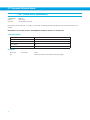
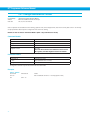
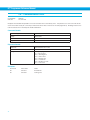
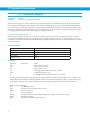
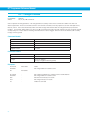
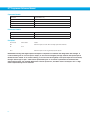
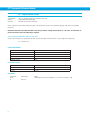
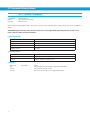
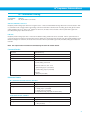
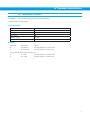
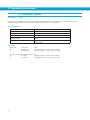
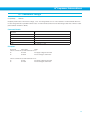
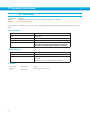
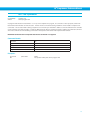
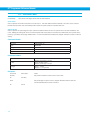
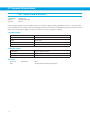
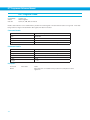
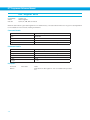
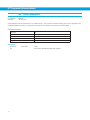
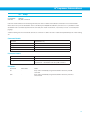
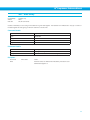
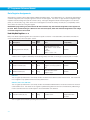
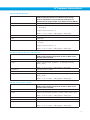
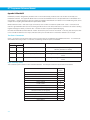
Command Details:
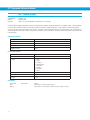
Structure
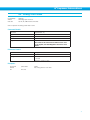
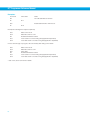
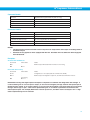
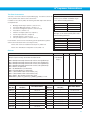
CP{Parameter #1}
Type
BUFFERED
Usage
READ/WRITE
Non-Volatile
YES
Register Access
“O” (031)
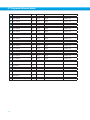
Note: The CP command uses different units than the
“O” register; see Data Registers section for more
details
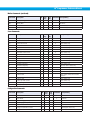
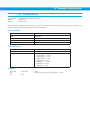
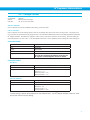
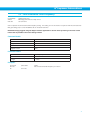
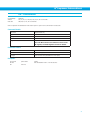
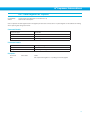
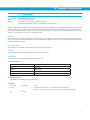
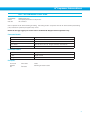
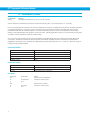
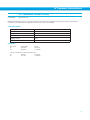
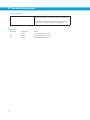
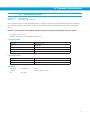
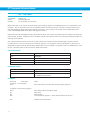
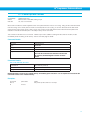
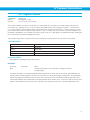
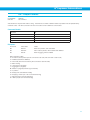
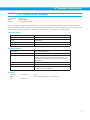
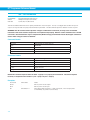
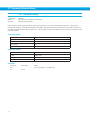
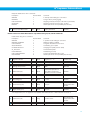
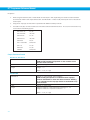
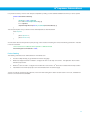
Parameter Details:
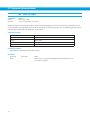
Parameter #1
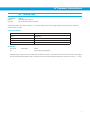
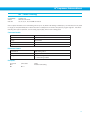
Peak current limit
- units
amps RMS
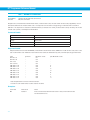
- range
SRV-AC5: 0 - 15.0 A
SRV-DC7: 0 - 14.0 A
SRV-AC3 (120V): 0 - 7.5
SRV-AC3 (220V): 0 - 3.75
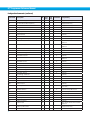
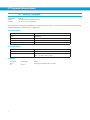
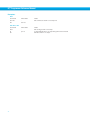
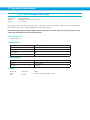
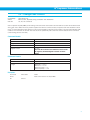
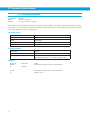
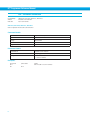
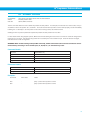
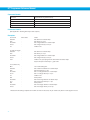
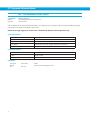
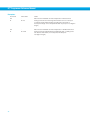
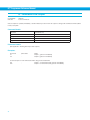
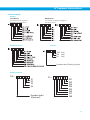
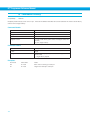
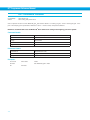
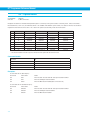
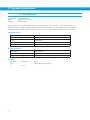
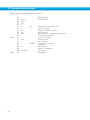
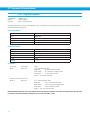
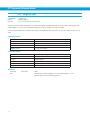
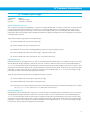
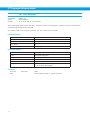
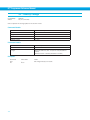
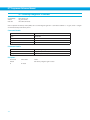
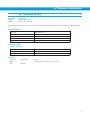
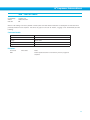
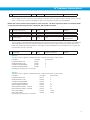
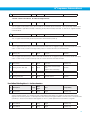
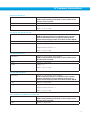
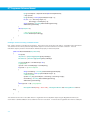
Examples:
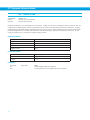
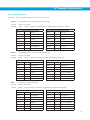
Command
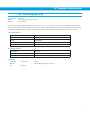
CP9.0
CP
Drive sends
-
CP=9.0
Notes
Peak current is set to 9.0 amps RMS
53