1
IQ® Programmer Reference Manual
“s” data register
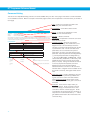
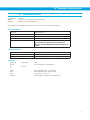
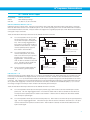
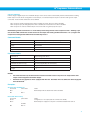
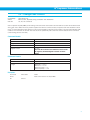
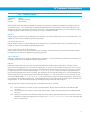
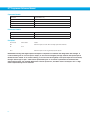
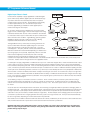
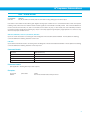
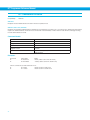
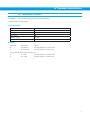
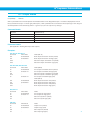
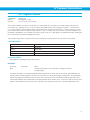
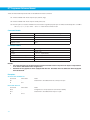
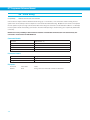
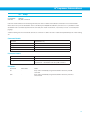
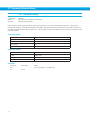
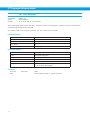
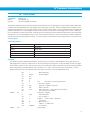
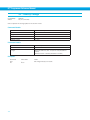
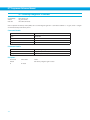
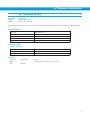
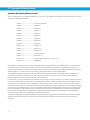
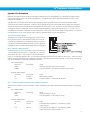
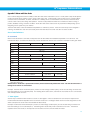
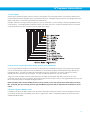
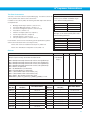
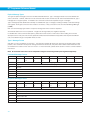
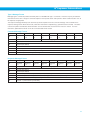
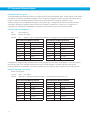
Another way to retrieve the Status Code is to use the “s” data register. If the host sends the RLs command, the response from
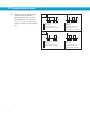
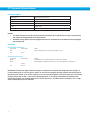
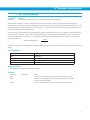
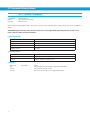
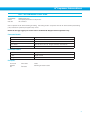
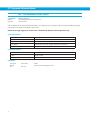
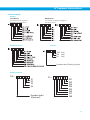
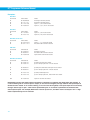
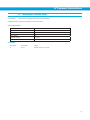
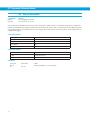
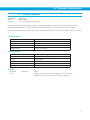
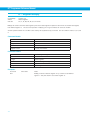
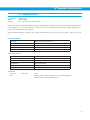
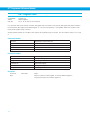
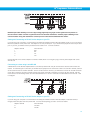
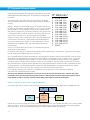
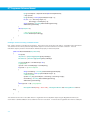
the drive will be the decimal equivalent of the 16-bit Status Code word. The diagram below shows the 16 bit assignments for the
Status Code (which of course match the hexadecimal values above).
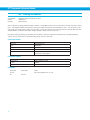
Example: The drive is running a stored Q program (bit 14), it’s in position (bit 3), and it’s waiting for the input specified by the WI
command (bit 7). The resulting Status Code binary word is 0100 0000 1000 1000. The decimal equivalent of this word 16,520,
so the response from the drive to the RLs command will be “RLs=16520”.
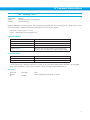
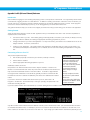
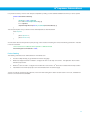
A useful tool for converting between binary, decimal, and hexadecimal.
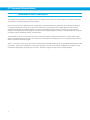
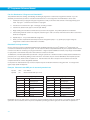
If you’re using a Windows-based PC as a host with your drive (which you’ll definitely be doing at some point during the project),
you can use the Calculator utility that comes with Windows to convert Alarm and Status Codes between binary, decimal, and
hexadecimal values. This utility is usually found in Start Menu, Programs, Accessories. Once open, make sure to choose
Scientific view from the View menu of Calculator. This view provides radio buttons for Hex, Dec, and Bin.
To figure out what your Alarm or Status Code is telling you, first select the appropriate radio button (Hex for the AL or SC
commands, Dec for the “f” and “s” registers), then enter the response from the drive. Now you can toggle between Hex, Dec, and
Bin to compare the values to the tables and diagrams above.
Note: Calculator does not show leading zeros in a binary number, so you may see less than 16 bits when you select
Bin. That’s OK, just start counting from the right with Bit 0 and you’ll be able to determine the conditions set in the
codes.
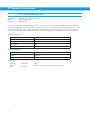
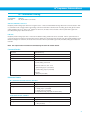
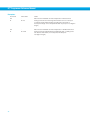
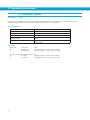
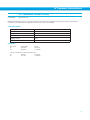
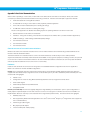
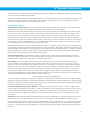
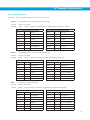
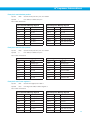
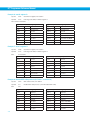
LED and 7-Segment Display codes
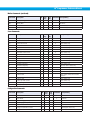
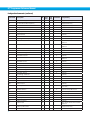
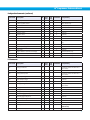
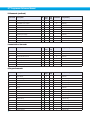
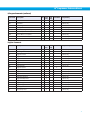
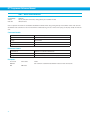
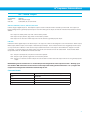
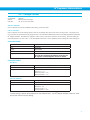
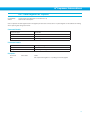
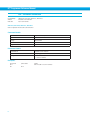
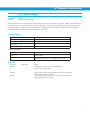
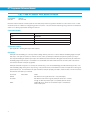
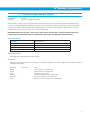
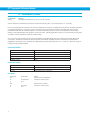
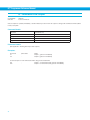
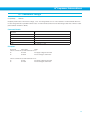
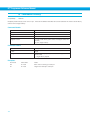
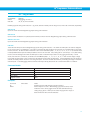
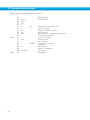
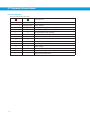
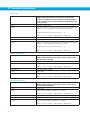
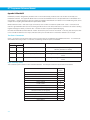
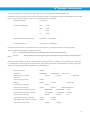
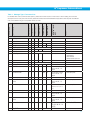
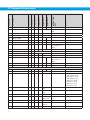
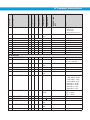
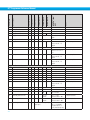
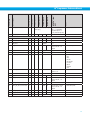
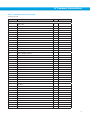
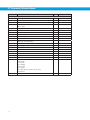
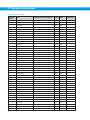
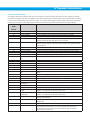
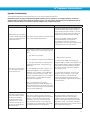
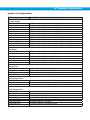
In addition to the Alarm and Status codes, most drive alarms and faults as well as some status codes are displayed at the front
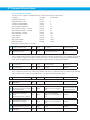
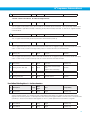
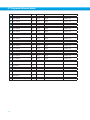
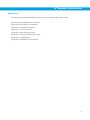
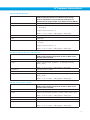
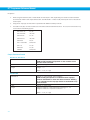
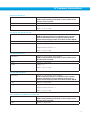
of the drives, via either two-color flashing LED codes or 7-segment LED codes. The following tables show the various codes
available with Bimba drives.
237