1
GOT-F900 SERIES (CONNECTION)
16.2.2
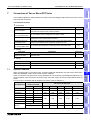
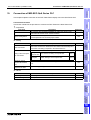
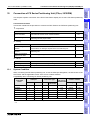
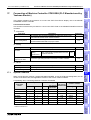
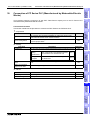
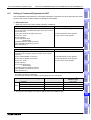
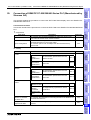
Connection of FLEX-PC N Series PLC (Manufactured by Fuji Electric) 16
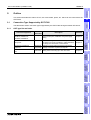
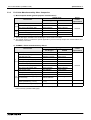
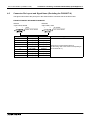
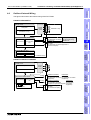
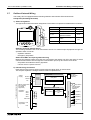
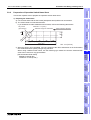
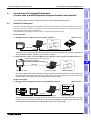
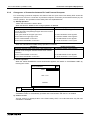
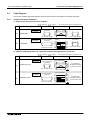
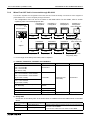
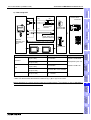
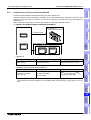
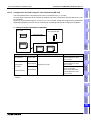
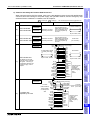
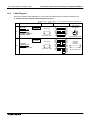
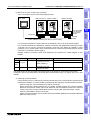
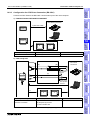
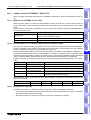
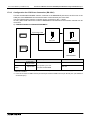
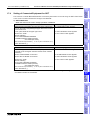
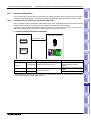
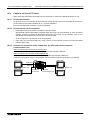
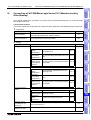
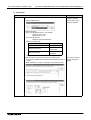
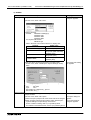
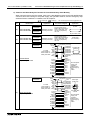
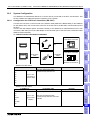
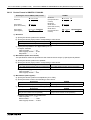
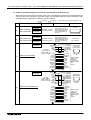
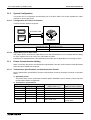
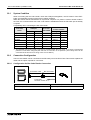
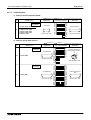
Configuration for Link Unit Connection (RS-232C)
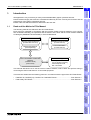
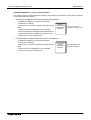
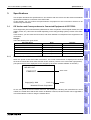
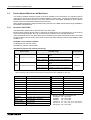
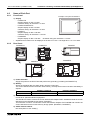
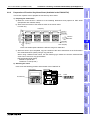
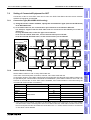
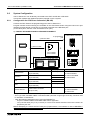
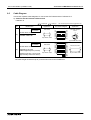
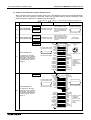
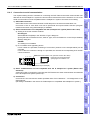
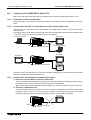
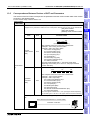
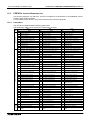
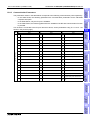
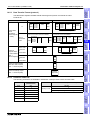
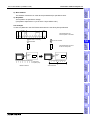
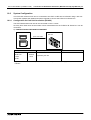
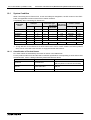
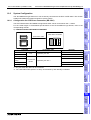
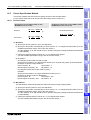
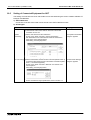
The GOT-F900 and the link unit can be connected on the 1:1 basis.
GOT-F900 units as many as the number of link units attached to the FLEX-PC N Series PLC can be
connected.
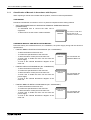
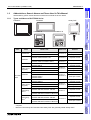
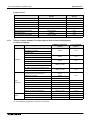
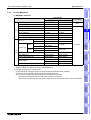
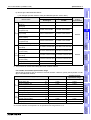
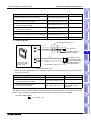
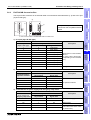
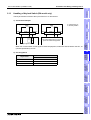
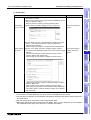
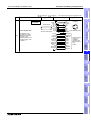
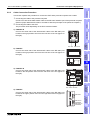
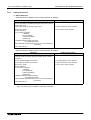
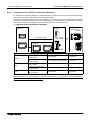
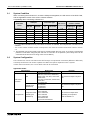
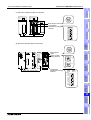
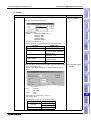
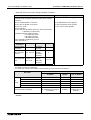
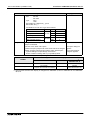
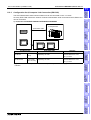
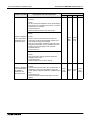
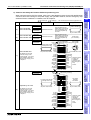
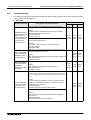
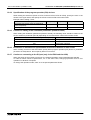
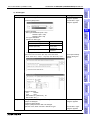
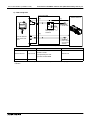
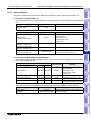
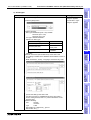
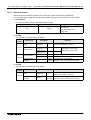
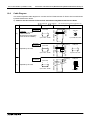
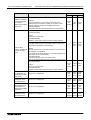
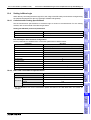
1) F930GOT/F930GOT-K/F940GOT/F940WGOT
GOT-F900
a) FLEX-PC N Series
link unit
F930GOT
b) RS-232C cable
F940GOT
a) FLEX-PC N Series
b) RS-232C cable
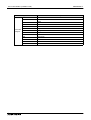
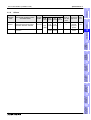
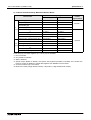
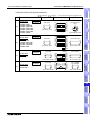
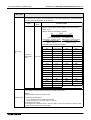
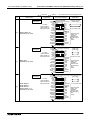
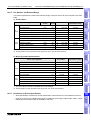
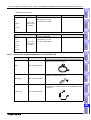
Remarks
NB-RS1-AC
NB-RS1-DC
NJ-RS2
25-pin D-Sub Prepared by the user
NS-RS1
NJ-CPU-B16
15-pin D-Sub Prepared by the user
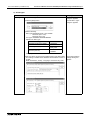
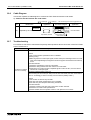
- Applicable FLEX-PC N Series products in the column a) are link units equipped with built-in RS-232C
interface.
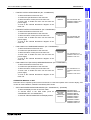
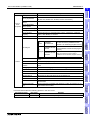
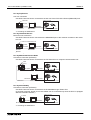
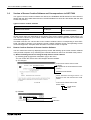
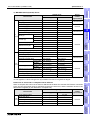
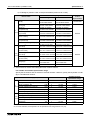
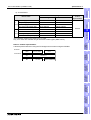
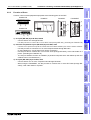
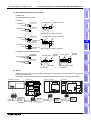
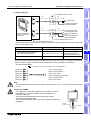
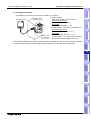
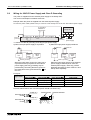
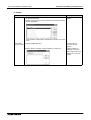
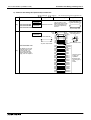
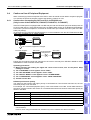
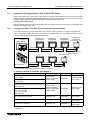
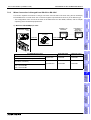
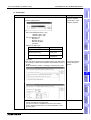
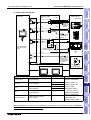
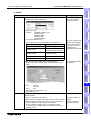
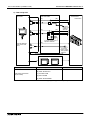
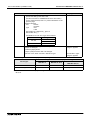
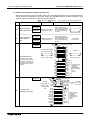
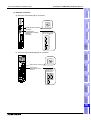
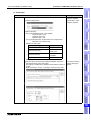
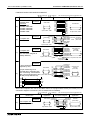
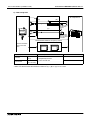
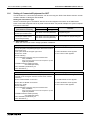
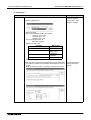
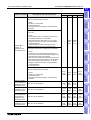
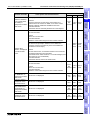
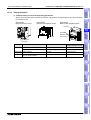
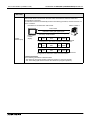
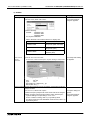
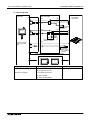
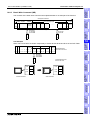
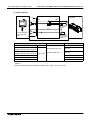
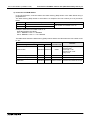
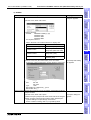
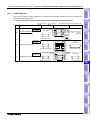
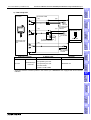
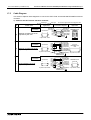
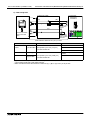
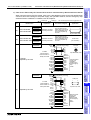
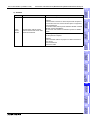
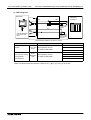
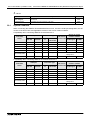
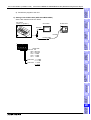
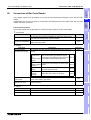
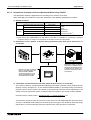
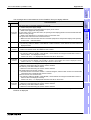
2) F943 Handy GOT
GOT-F900
a) FLEX-PC N
Series link unit
b) RS-232C cable
(A)
(B)
Handy GOT
(RS-232C)
(C)
To power supply
and operation
switches
To RS-232C,
power supply
and operation
switches
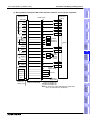
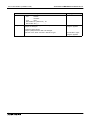
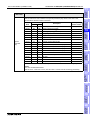
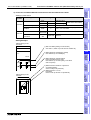
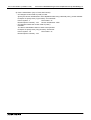
Total extension distance: 6m (19' 8") or less
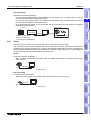
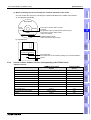
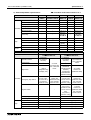
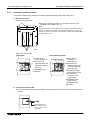
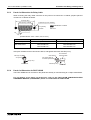
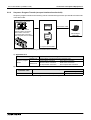
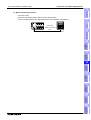
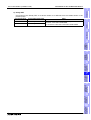
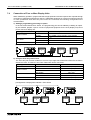
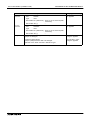
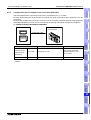
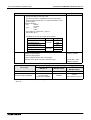
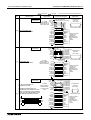
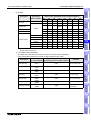
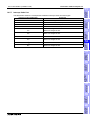
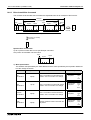
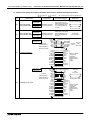
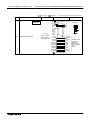
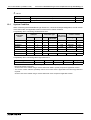
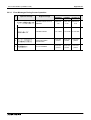
a) FLEX-PC N Series
NB-RS1-AC
NB-RS1-DC
NJ-RS2
b) RS-232C cable
Remarks
(A) F9GT-HCAB-""M
25-pin D-Sub
(B) Prepared by the user
(C) F9GT-HCAB1-""M
NS-RS1
NJ-CPU-B16
15-pin D-Sub
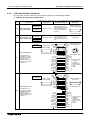
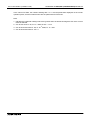
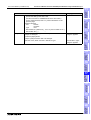
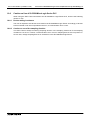
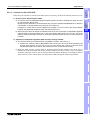
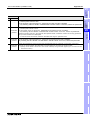
- A pp lica b le F LE X -P C N S erie s p rod ucts in th e co lu m n a ) a re lin k un its e qu ip pe d w ith bu ilt-in R S -2 32 C interfa ce .
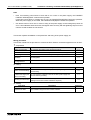
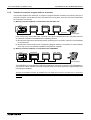
- Make sure that the total cable extension distance "(A) + (B)" or (C) is 6m (19' 8") or less.
16-4