1
MES INTERFACE FUNCTION CONFIGURATION TOOL
1
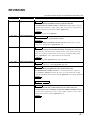
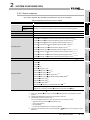
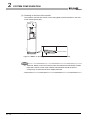
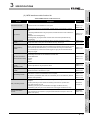
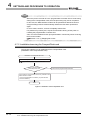
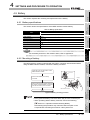
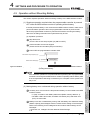
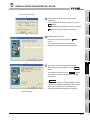
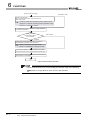
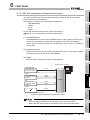
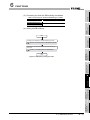
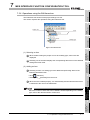
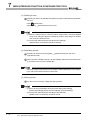
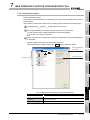
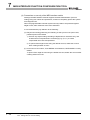
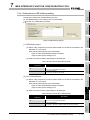
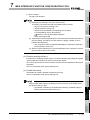
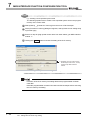
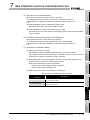
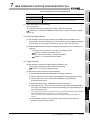
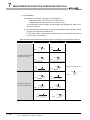
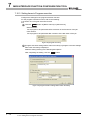
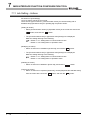
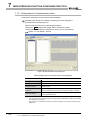
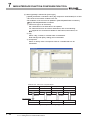
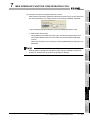
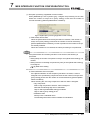
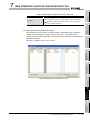
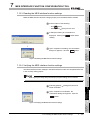
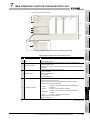
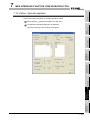
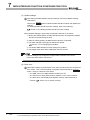
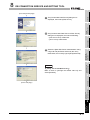
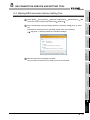
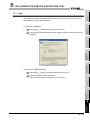
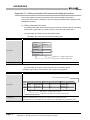
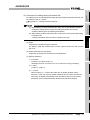
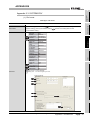
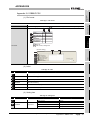
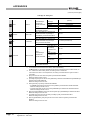
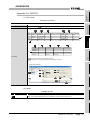
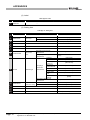
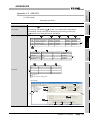
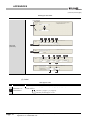
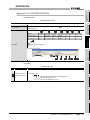
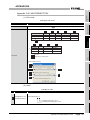
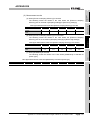
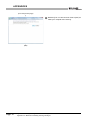
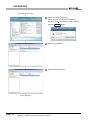
Read the MES interface function settings (project) from the MES interface module.
(Read).
• Select [Online]
[Read] from the menu.
A dialog box asking for confirmation is
displayed. Clicking the
reading.
3
SYSTEM
CONFIGURATION
• Click
2
2
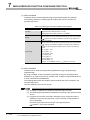
Perform either of the following:
OK
button starts
Upon completion of reading, the confirmation
OK
button.
4
SETTINGS AND
PROCEDURE TO
OPERATION
dialog box appears. Click the
3
SPECIFICATIONS
1
OVERVIEW
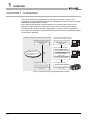
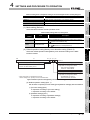
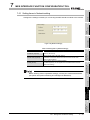
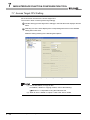
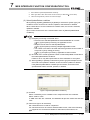
7.12.3 Reading the MES interface function settings
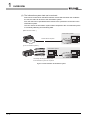
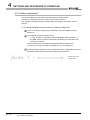
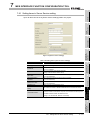
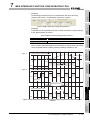
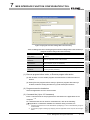
Figure 7.93 Reading the MES interface function settings
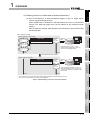
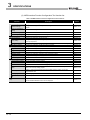
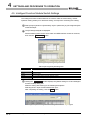
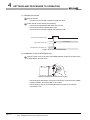
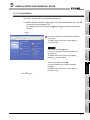
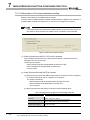
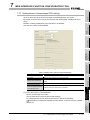
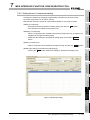
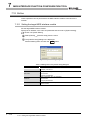
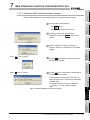
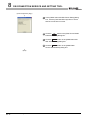
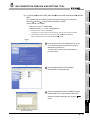
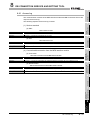
7.12.4 Verifying the MES interface function settings
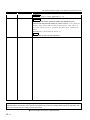
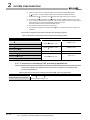
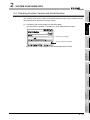
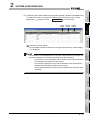
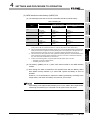
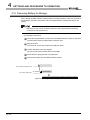
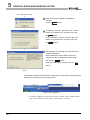
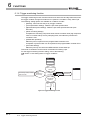
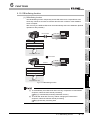
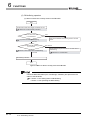
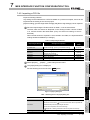
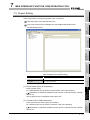
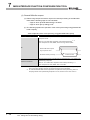
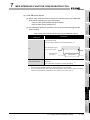
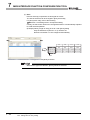
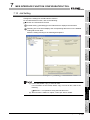
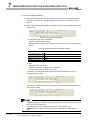
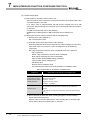
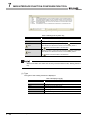
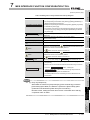
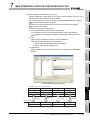
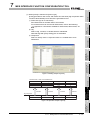
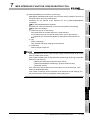
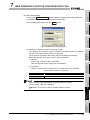
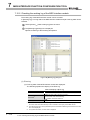
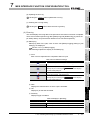
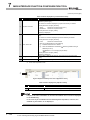
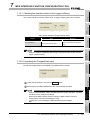
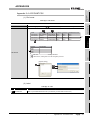
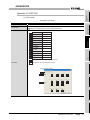
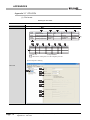
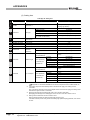
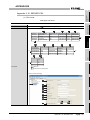
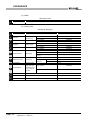
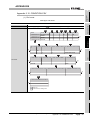
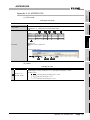
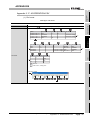
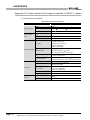
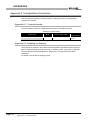
The MES interface function settings in the MES interface module are compared with those
in the currently editing project.
INSTALLATION AND
UNINSTALLATION
5
6
2
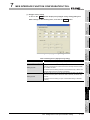
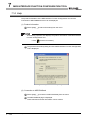
Selecting [Online]
starts verification.
[Verify] from the menu
7
MES INTERFACE
FUNCTION
CONFIGURATION TOOL
1
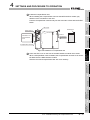
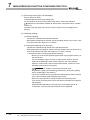
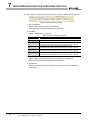
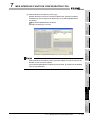
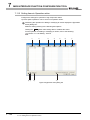
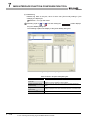
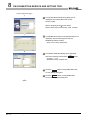
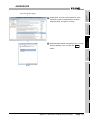
Upon completion of verification, the
confirmation dialog box appears. Click the
OK
FUNCTIONS
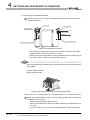
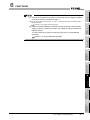
Data of [Project name] and [Comment] in [Project setting] are not verified.
button.
8
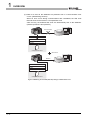
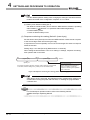
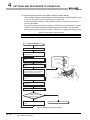
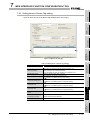
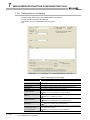
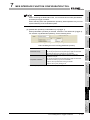
Figure 7.94 Verifying the MES interface function settings
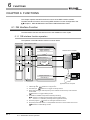
DB CONNECTION
SERVICE AND
SETTING TOOL
7
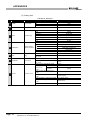
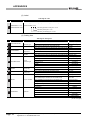
7.12 Online
7.12.3 Reading the MES interface function settings
7 - 115