1
3
SPECIFICATIONS
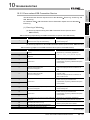
3.4.2 I/O signals details
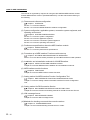
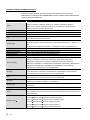
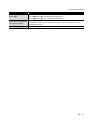
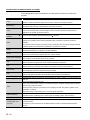
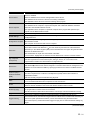
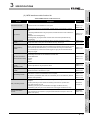
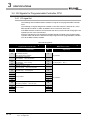
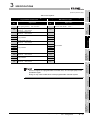
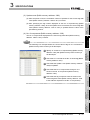
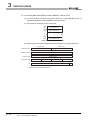
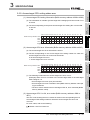
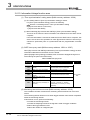
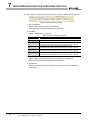
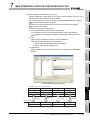
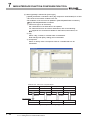
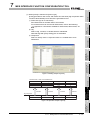
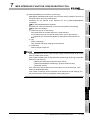
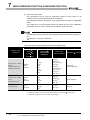
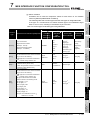
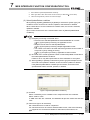
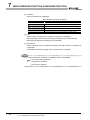
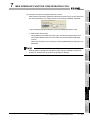
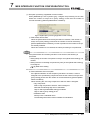
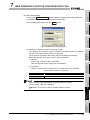
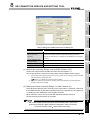
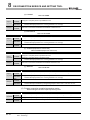
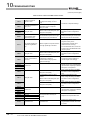
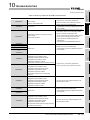
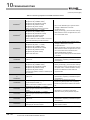
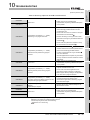
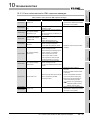
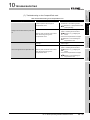
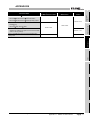
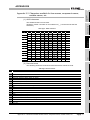
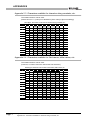
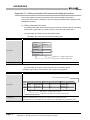
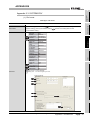
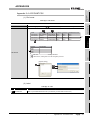
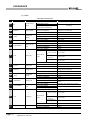
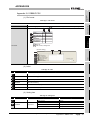
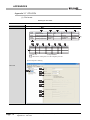
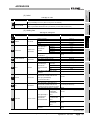
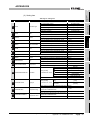
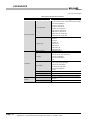
The following table shows the details of the I/O signals of the MES interface module.
(1) Input signals details
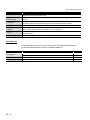
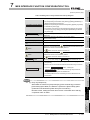
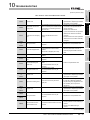
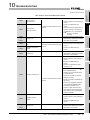
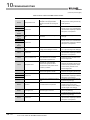
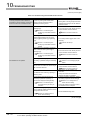
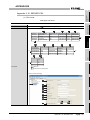
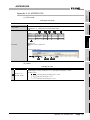
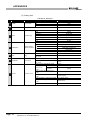
Table 3.13 Input signals details
Device
No.
X0
X1
Signal name
Module READY
Description
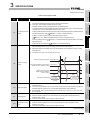
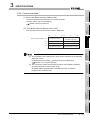
Turns ON when the MES interface module becomes ready after the programmable controller is
powered ON from OFF or the programmable controller CPU is reset.
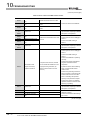
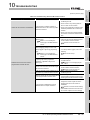
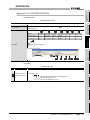
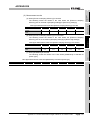
CompactFlash card
(1)
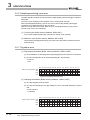
Turns ON when the CompactFlash card is installed and the file access status (X2) is OFF.
status
(2)
Turns OFF when the CompactFlash card is not installed or the file access status (X2) is ON.
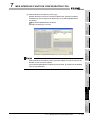
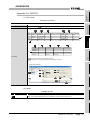
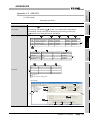
(1)
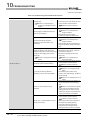
Turns ON while file access is stopped.
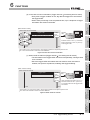
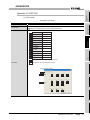
(a) The following operations are available while file access is stopped.
Removing and installing a CompactFlash card
(
Section 4.7.2 Installation/removing the CompactFlash card)
Powering OFF the programmable controller during operation without battery
(
Section 4.9 Operation without Mounting Battery)
(b) While file access is stopped, the following status occurs.
Reading from or writing to a CompactFlash card is disabled.
The MES interface function is suspended.
Operation from MES Interface Function Configuration Tool is disabled.
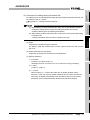
(2)
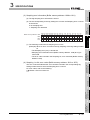
Turns OFF during file access operation.
Powering ON the programmable controller from OFF or resetting the programmable controller
CPU brings file access in operation.
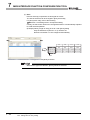
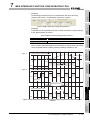
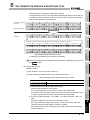
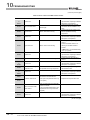
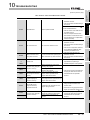
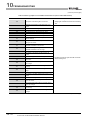
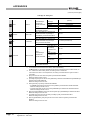
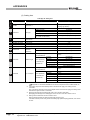
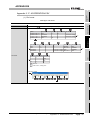
X2
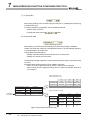
File access status
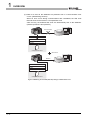
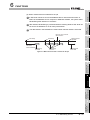
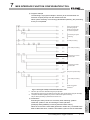
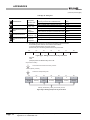
File access stop request (Y2)
File access status (X2)
(In operation)
(During stop)
Information linkage status (X5)
CompactFlash card status (X1)
Replace the CompactFlash card.
Power OFF the programmable controller.
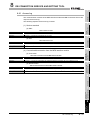
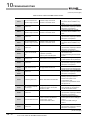
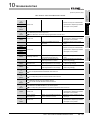
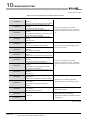
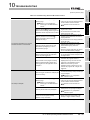
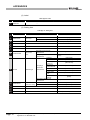
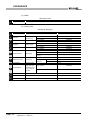
X4
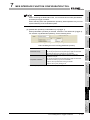
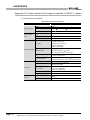
Network connection
status
(1)
(2)
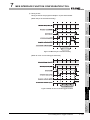
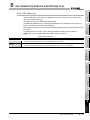
Turns ON when the MES interface module is connected to the network.
When powering ON the programmable controller from OFF or resetting the programmable
controller CPU, the MES interface module connects with the network.
(To the next page)
3 - 16
3.4 I/O Signals for Programmable Controller CPU
3.4.2 I/O signals details