1
Formatting Z-Drive R4 in Windows
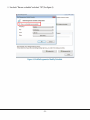
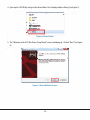
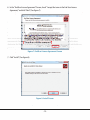
1. Click on the Windows Start button, right click “Computer” and select “Manage” (See Figure 17).
Figure 17: Select Manage Option
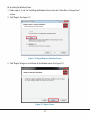
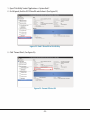
ment” window, select “Storage” and click on “Disk Man
2. In “Computer Management”
Management” on the left
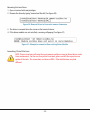
itialize Disk” window to load and click “OK” (See Figur
menu. Wait for the “Initialize
Figure 18).
Drive R4 is already initialized, then this step can be sk
NOTE: If the Z-Drive
skipped.
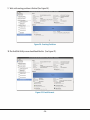
Figure 18: Disk Management Window
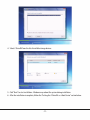
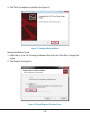
3. After the disks initialize, right click on the graphical bar representing the unallocated disks and select
“New Simple Volume” to format the drive.
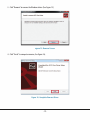
4. Follow the onscreen instructions to finish formatting the drive.
- 20 -