1
SANGFOR SSL M6.8EN User Manual
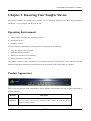
Configuring QoS Priority
The Quality of Service (QoS) priority enables you to guarantee sufficient bandwidth for important services when
the network bandwidth is insufficient.
There are four priority levels, and higher priority level stands for higher bandwidth percent. You can configure the
bandwidth allowed for each priority level, so that varied amount of bandwidth can be assigned to different services,
ensuring smooth running of critical business.
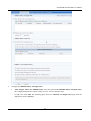
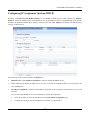
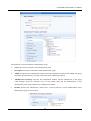
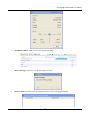
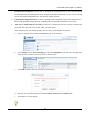
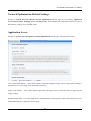
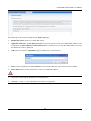
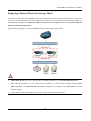
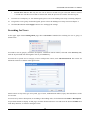
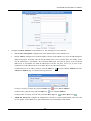
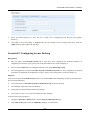
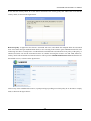
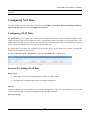
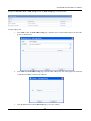
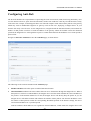
Navigate to Firewall > QoS Priority to enter the QoS Priority Level page, as shown below:
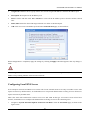
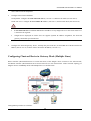
To enable QoS control feature, do select the Enable QoS option on the above page.
Configuring QoS Outbound Rule
QoS outbound rule enables administrator to set priority for specific data sent through the WAN interface(s) of the
Sangfor device. You can set higher priority for data of critical business, so that they will be given more bandwidth
and be transmitted earlier and faster. The default rule named Default service is a built-in rule, and only its priority
level is editable.
To add a QoS outbound rule:
1.
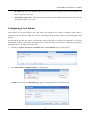
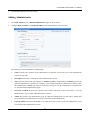
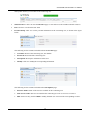
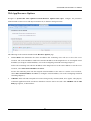
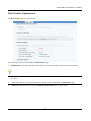
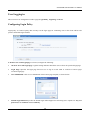
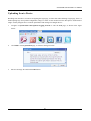
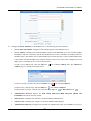
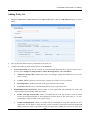
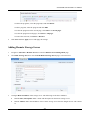
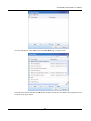
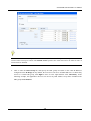
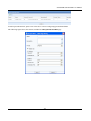
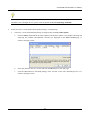
Navigate to Firewall > QoS Outbound Rule to enter the QoS Outbound Rules page, as shown below:
2.
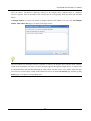
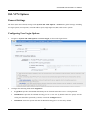
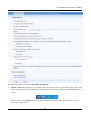
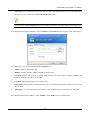
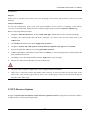
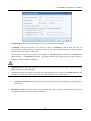
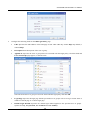
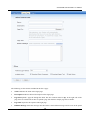
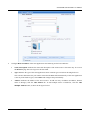
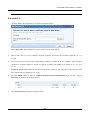
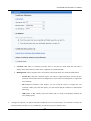
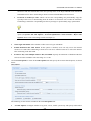
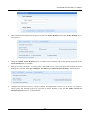
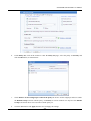
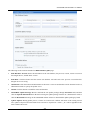
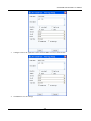
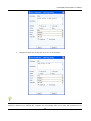
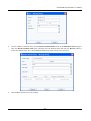
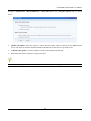
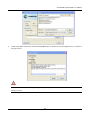
Click Add to enter the Add QoS Rule page, as shown below:
313