1
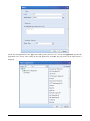
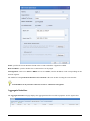
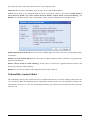
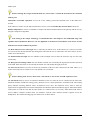
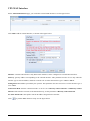
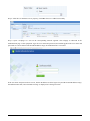
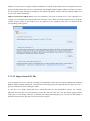
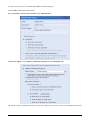
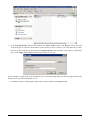
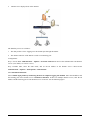
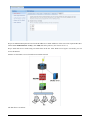
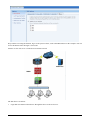
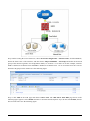
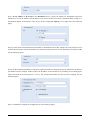
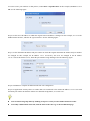
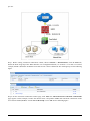
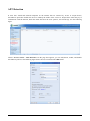
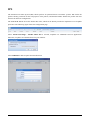
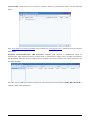
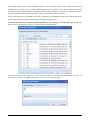
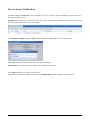
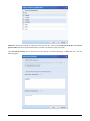
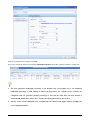
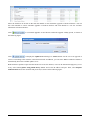
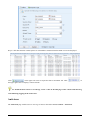
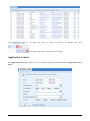
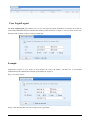
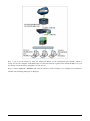
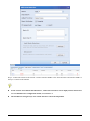
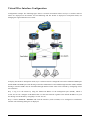
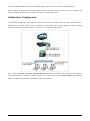
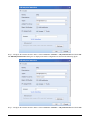
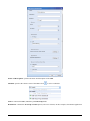
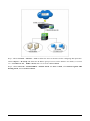
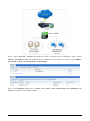
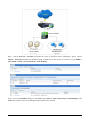
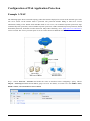
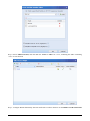
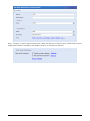
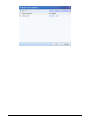
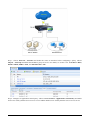
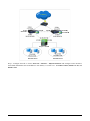
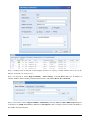
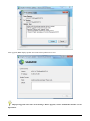
Step 1: Choose Network > Interface > Zone to define the zones of interfaces before configuring DoS protection.
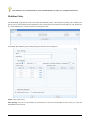
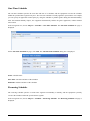
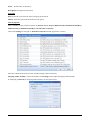
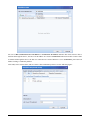
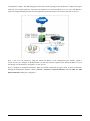
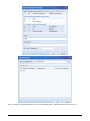
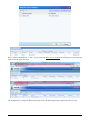
Choose Objects > IP Group and define the IP address group of servers on the intranet. For details, see section
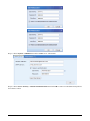
3.5.7. Set ETH2 to LAN, ETH1 to WAN, and 172.16.1.0/24 to Server Farm.
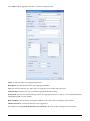
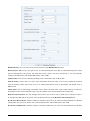
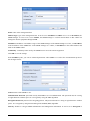
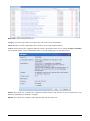
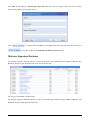
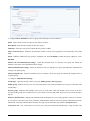
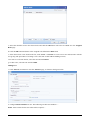
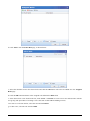
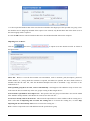
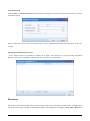
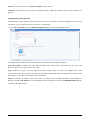
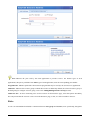
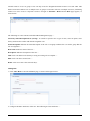
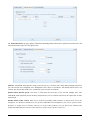
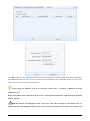
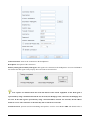
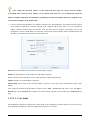
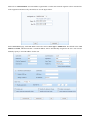
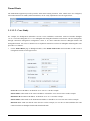
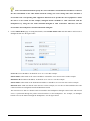
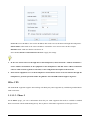
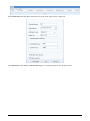
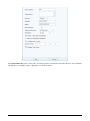
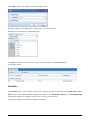
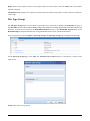
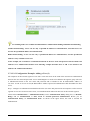
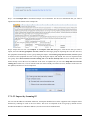
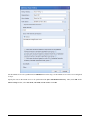
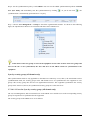
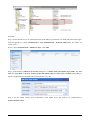
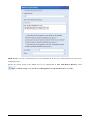
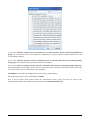
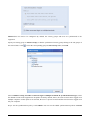
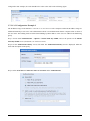
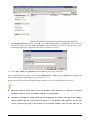
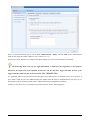
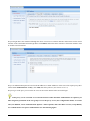
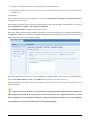
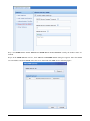
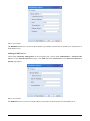
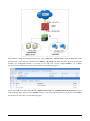
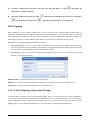
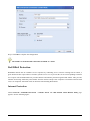
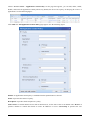
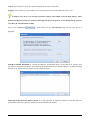
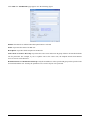
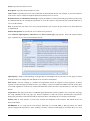
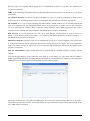
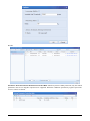
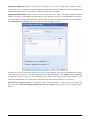
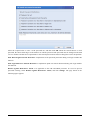
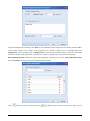
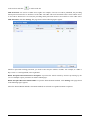
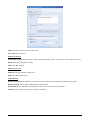
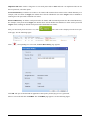
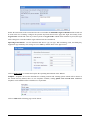
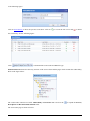
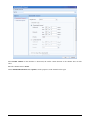
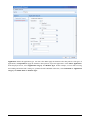
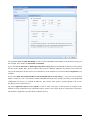
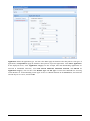
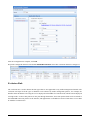
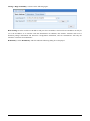
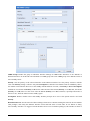
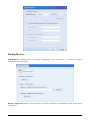
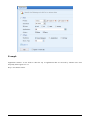
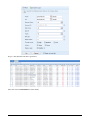
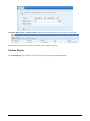
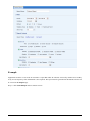
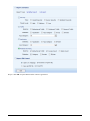
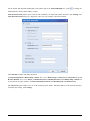
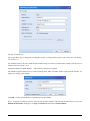
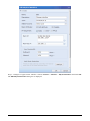
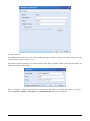
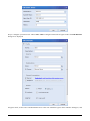
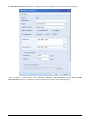
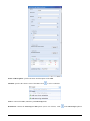
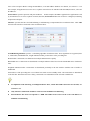
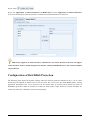
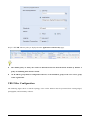
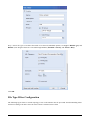
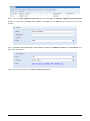
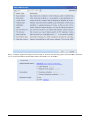
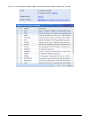
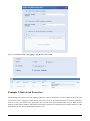
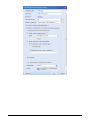
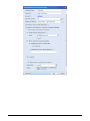
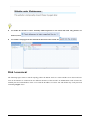
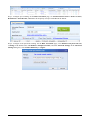
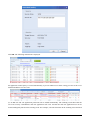
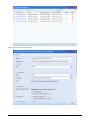
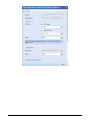
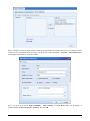
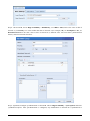
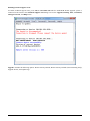
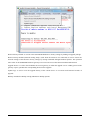
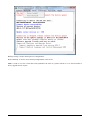
Step 2: Choose Firewall > Anti-DoS/DDoS > Outside Attack. Set Zone to WAN, select Defense against ARP
flooding attack, and set Scan Prevention.
SANGFOR NGAF 6.4 User Manual
449