1
3. - Download the .sis file directly to your phone
( http://www.alonsoftware.com/downloads/ALONMP3Dictaphone_s60_3rd_5th.sis )
- Follow the instructions.
To uninstall the Dictaphone go to Application manager>Installed applications on your phone, choose
the Dictaphone and select Options>Uninstall.
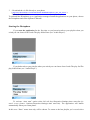
Starting the Dictaphone
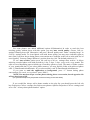
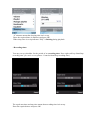
If you start the application for the first time or you haven't tracks at your playlist when you
exited you can choose from Load>The play folder/None (see "Audio Player").
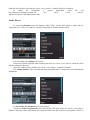
If you had tracks at your playlist when you exited you can choose from Load>The play list/The
play folder/None (see "Audio Player").
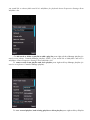
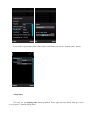
To activate “Auto start” option select left soft key>Properties>Settings>Auto start>On (for
touch screen phones: Options>Properties>Settings>Auto start>On). The application will launch
automatically when you restart phone.
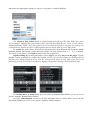
In this case “None” menu item only will be shown. To return to the last playlist you’ve used select