1
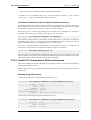
6.5.8. SMTP Log Receiver for IDP
Events
Chapter 6. Security Mechanisms
Web Interface
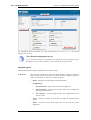
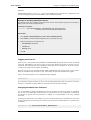
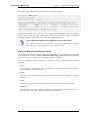
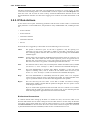
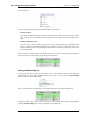
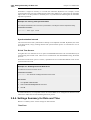
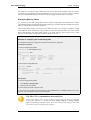
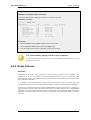
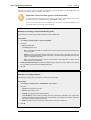
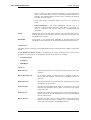
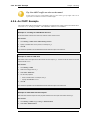
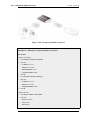
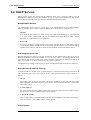
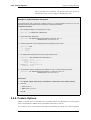
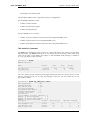
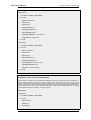
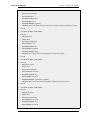
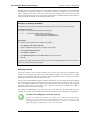
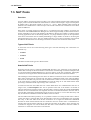
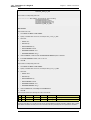
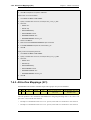
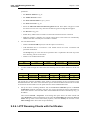
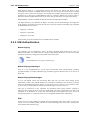
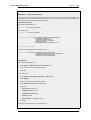
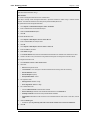
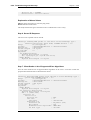
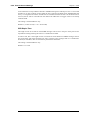
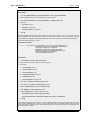
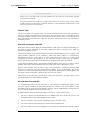
Adding an SMTP log receiver:
1.
Go to System > Log and Event Receivers > Add > SMTP Event Receiver
2.
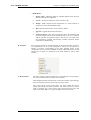
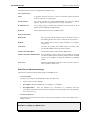
Now enter:
•
Name: smtp4IDP
•
SMTP Server: smtp-server
•
Server Port: 25
•
Specify alternative email addresses (up to 3)
•
Sender: hostmaster
•
Subject: Log event from NetDefendOS
•
Minimum Repeat Delay: 600
•
Hold Time: 120
•
Log Threshold: 2
•
Click OK
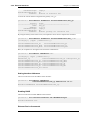
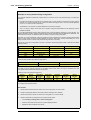
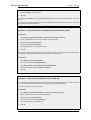
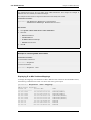
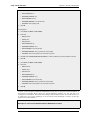
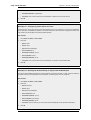
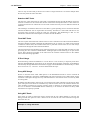
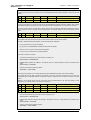
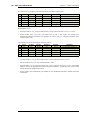
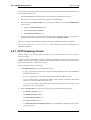
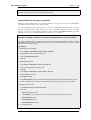
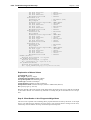
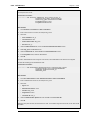
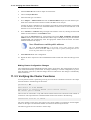
IDP Rules:
1.
Go to IDP > IDP Rules
2.
Select a rule and choose Edit
3.
Select the action you wish to log and choose Edit
4.
Check the Enable logging checkbox in the Log Settings tab
5.
Click OK
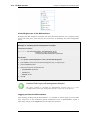
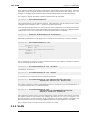
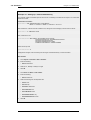
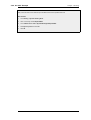
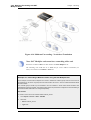
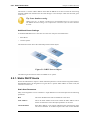
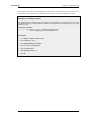
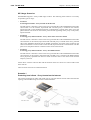
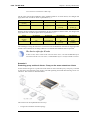
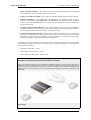
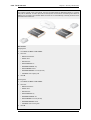
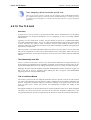
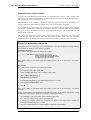
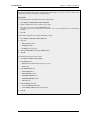
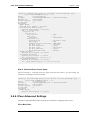
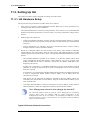
Example 6.21. Setting up IDP for a Mail Server
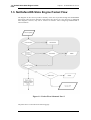
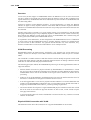
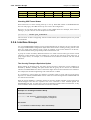
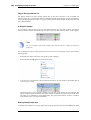
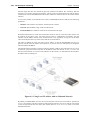
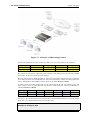
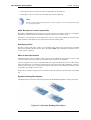
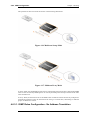
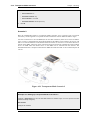
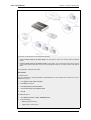
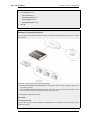
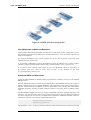
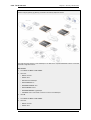
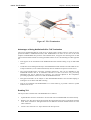
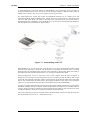
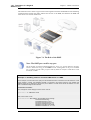
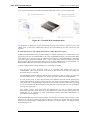
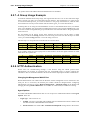
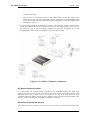
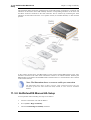
The following example details the steps needed to set up IDP for a simple scenario where a mail server is
exposed to the Internet on the DMZ network with a public IP address. The public Internet can be reached through
the firewall on the WAN interface as illustrated below.
331