1
Managing Encrypted Disks
4.3
17
Change Disk Password
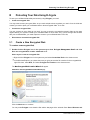
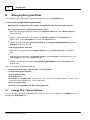
To change encrypted disk password,
1
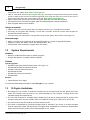
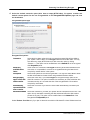
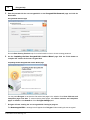
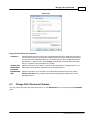
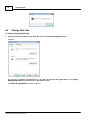
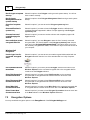
Click the Change Password button on the General tab of the encrypted disk Properties panel.
General tab
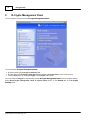
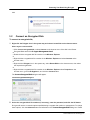
Or click the connected encrypted disk or the disk from Recent Encrypted Disks on R-Crypto
Management Panel and select Change Password on the shortcut menu.
2
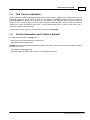
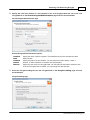
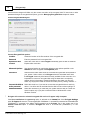
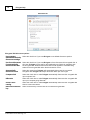
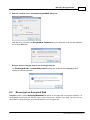
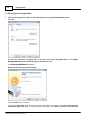
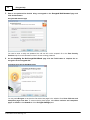
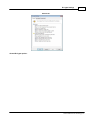
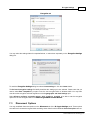
Enter the old and new passwords on the Encrypted Disk Password dialog box.
Encrypted Disk Password dialog box
*
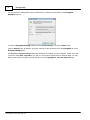
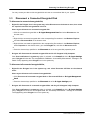
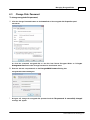
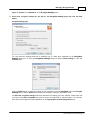
R-Crypto will change the encrypted disk password and the The password is successfully changed
message will appear.
© 2007-2009 R-Tools Technology, Inc.