1
Remote Command Reference
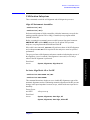
[:SENSe]:POWer Subsection
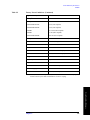
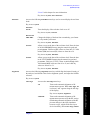
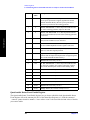
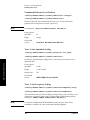
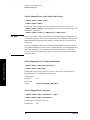
optimize its response on the signal of interest.
Factory Preset
and *RST:
0 Hz
Range:
–250 MHz to 250 MHz
Default Unit:
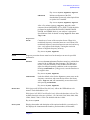
None. Use the MHz terminator in order for this command to
work.
Remarks:
This command is available only on Agilent ESA models
E4404B, E4405B, E4407B, and E4408B. Use this command for
signals close to the noise level, multiple signals close together,
or for other conditions when the preselector is not tuned to the
frequency of interest.
Front Panel
Access:
AMPLITUDE/Y Scale, Presel Adjust
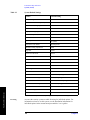
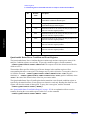
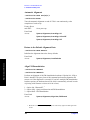
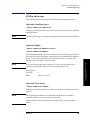
Preselector Center
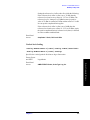
[:SENSe]:POWer[:RF]:PCENter
NOTE
This command is available only on Agilent ESA models E4404B, E4405B,
E4407B, and E4408B. This command has no effect with markers set to less than
3 GHz.
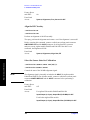
Remarks:
A peak search will be done if no marker is on.
Front Panel
Access:
AMPLITUDE/Y Scale, Presel Center
Chapter 5
331
Remote Command Reference
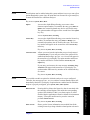
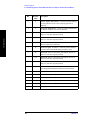
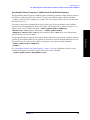
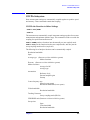
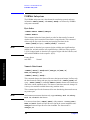
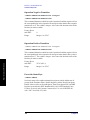
In internal mixing, this command centers the preselector filter at the signal of
interest. In external mixing, the external preselector filter is adjusted to the peak of
the filter response to maximize the amplitude at the active marker frequency. This
command has no effect if it is activated in non-preselected bands. This command is
usable from 3 GHz to the maximum frequency of the analyzer.