1
Setting Ratings
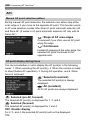
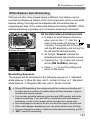
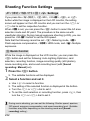
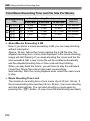
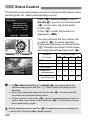
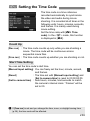
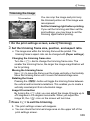
You can rate images and movies with one of five rating marks: l/m/
n/o/p. This function is called rating.
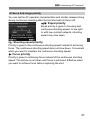
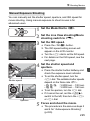
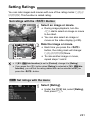
Set ratings with the <c> Button
1
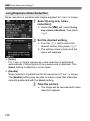
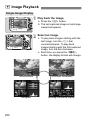
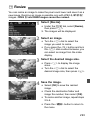
Select an image or movie.
During image playback, turn the
<5> dial to select an image or movie
to be rated.
You can also select an image or
movie on the index display (p.255).
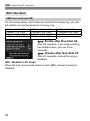
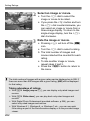
or movie.
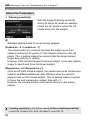
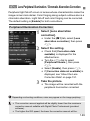
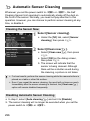
2 RateEachthetimeimage
you press the <c>
button, the rating mark will change:
l/m/n/o/p/None.
To rate another image or movie,
repeat steps 1 and 2.
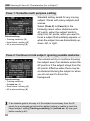
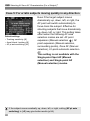
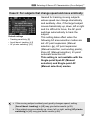
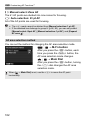
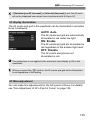
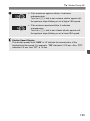
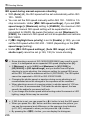
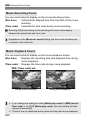
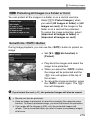
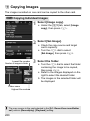
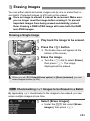
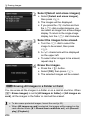
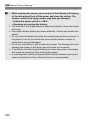
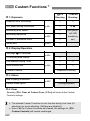
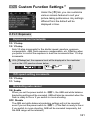
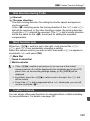
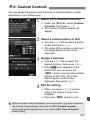
If [53: m btn function] is set to [Protect], change it to [Rating].
If you press the <Q> button when [Rating] is selected in [53: m btn
function], you can set the rating marks that can be selected when you
press the <c> button.
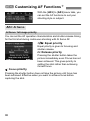
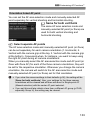
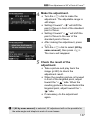
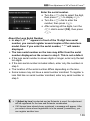
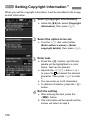
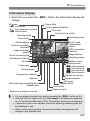
3 Set ratings with the menu
1
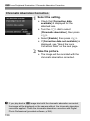
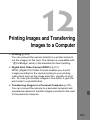
Select [Rating].
Under the [32] tab, select [Rating],
then press <0>.
261