1
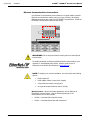
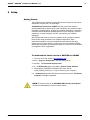
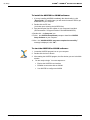
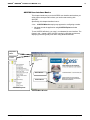
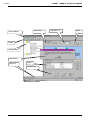
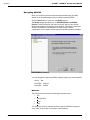
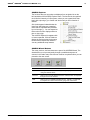
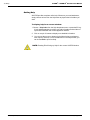
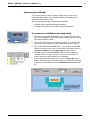
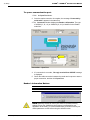
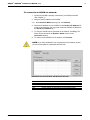
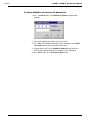
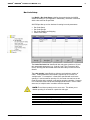
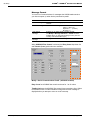
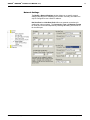
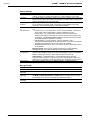
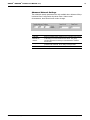
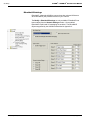
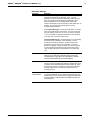
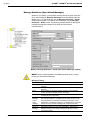
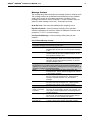
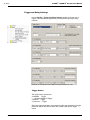
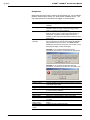
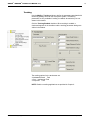
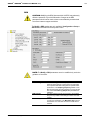
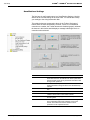
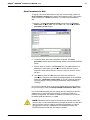
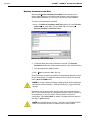
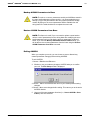
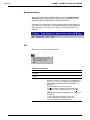
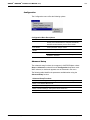
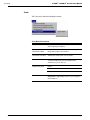
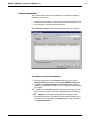
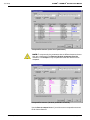
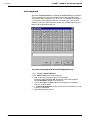
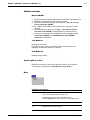
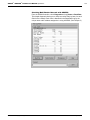
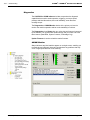
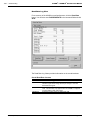
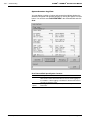
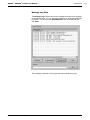
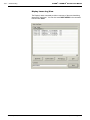
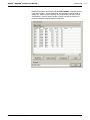
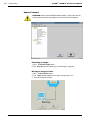
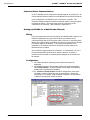
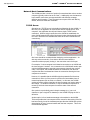
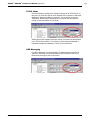
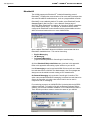
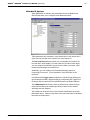
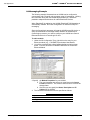
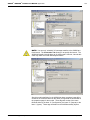
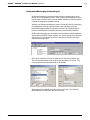
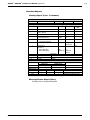
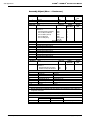
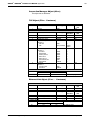
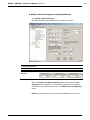
AXIOM™ / AXIOM-X™ Product Line Manual 84 Setup Match Codes Setup Use the Modify > Match Codes Setup window to define a specific code pattern within a symbology type that is to be considered a “match condition”. In addition to identifying and reading a symbology you defined (using the Modify > Bar Code Setup function), this feature enables you to configure an AXIOM to match specific characters within a bar code. All bar codes are compared to the complete list of Match Codes. If a bar code matches ANY of the codes defined in Match Code Setup it is considered a MATCH. When a match code is read, you can also setup your AXIOM to: Fire a relay - e.g., Activate a diverter Send a user-defined message - e.g., Acknowledge match code The following wildcards are available: “*” represents a string with arbitrary length “?” represents a single character REMEMBER: If ANY match code pattern is set to “*” (i.e., the asterisk wildcard), ALL codes will match it. Accu-Sort Systems, Inc. 05-AXIOM-AXIOM-X_Setup_R10.doc