1
CDS-PRM002.book Page 7 Friday, January 16, 2009 11:02 AM
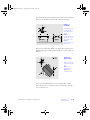
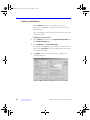
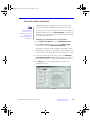
Selecting and assigning non-sequential rooms
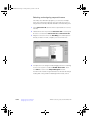
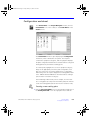
Like many other Windows programs, you can select multiple,
non-sequential items by pressing the CTRL key as you select each
item. Use the gymnasium and cafeteria as an example. Try it
now:
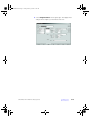
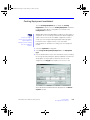
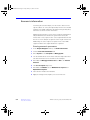
1 Select Cafeteria.
2 Press and hold the CTRL key, then click Gymnasium. Both rooms
are now selected.
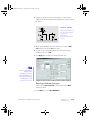
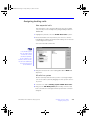
3 In one move, drag the selected rooms to the Single-zone–Gym/
Cafe system and release them.
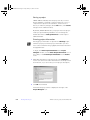
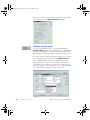
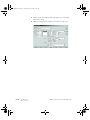
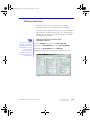
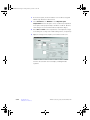
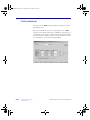
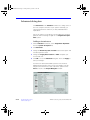
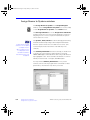
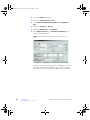
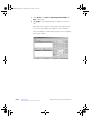
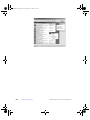
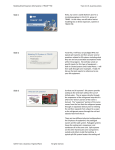
4 Repeat steps 2 and 3 to assign Classrooms 105 and 115 to the
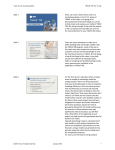
FPVAV–Classrooms system. Then compare your screen to ours:
CDS-PRM002-EN • TRACE 700 Getting Started
Assigning Zones and Rooms
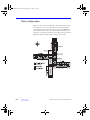
Assigning a room to a system
5–7