1
Services
5.8.4.2 Advanced L2TP Server Settings
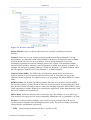
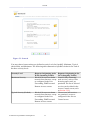
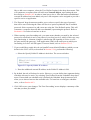
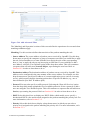
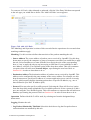
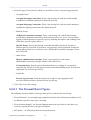
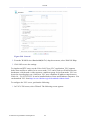
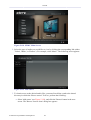
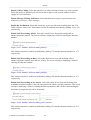
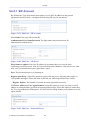
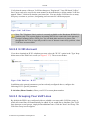
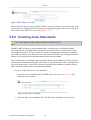
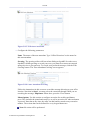
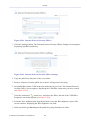
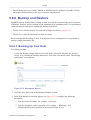
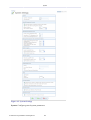
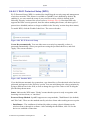
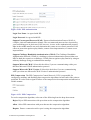
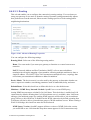
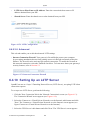
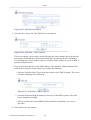
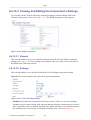
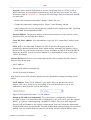
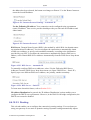
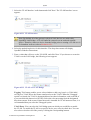
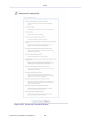
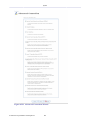
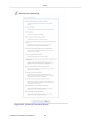
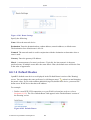
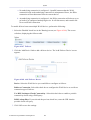
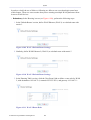
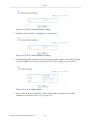
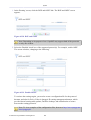
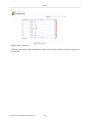
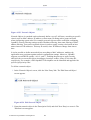
To configure advanced L2TP server settings, click the 'Advanced' button in the L2TP Server
screen (see Figure 5.338). The screen expands, offering additional settings.
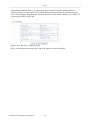
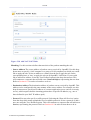
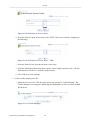
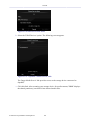
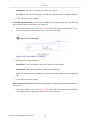
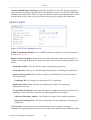
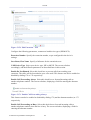
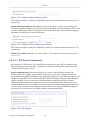
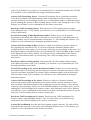
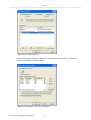
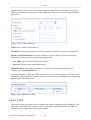
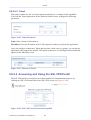
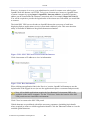
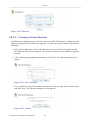
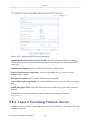
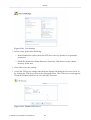
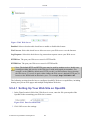
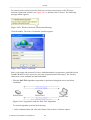
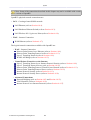
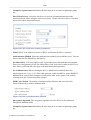
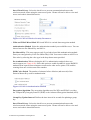
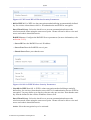
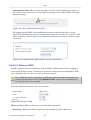
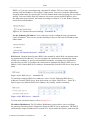
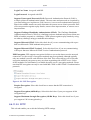
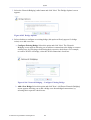
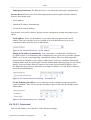
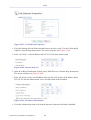
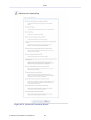
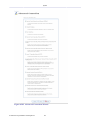
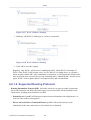
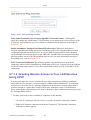
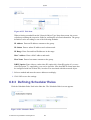
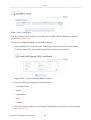
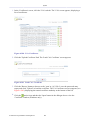
Figure 5.339 Advanced L2TP Server Parameters
L2TP Shared Secret (optional) Use this optional field to define a shared secret for the
L2TP connection, for added security.
Maximum Idle Time to Disconnect in Seconds Specify the amount of idle time (during
which no data is sent or received) that should elapse before the gateway disconnects the L2TP
connection.
Authentication Required Select whether L2TP will use authentication.
Allowed Authentication Algorithms Select the algorithms the server may use when
authenticating its clients.
Encryption Required Select whether L2TP will use encryption.
Allowed Encryption Algorithms Select the algorithms the server may use when encrypting
data.
MPPE Encryption Mode Select the Microsoft Point-to-Point Encryption mode: stateless or
stateful.
© 1998-2010 Jungo Software Technologies Ltd.
254