1
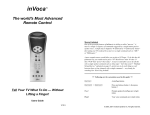
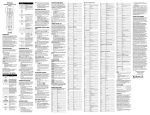
TV / VCR Combo - Program remote using the VCR device code. *089: Power = Power off Enter = Power on + Recall THE FOLLOWING REPLACES & REVISES THE “IR FUNCTIONS” SECTION OF THE IMPERIUM 200H USER MANUAL (PGS. 18-22) IR Functions When the unit scans to “ir” (remote control) on the Home Menu, press (>) for the submenu functions to use the Imperium Infrared Remote Control (see Figure 1). These submenus control the TV, VCR, SATELLITE/CABLE, DVD, RADIO AND CD. Press (>) to select the control menu for the desired device. Note: Each TV, VCR, SATELLITE/CABLE BOX, DVD, RADIO, and CD should have been programmed on the Imperium Remote Control during system setup (see “Installing the System,” No. 10 on page 8 of User Manual). If the Imperum Remote Control is not connected properly or the batteries are dead, the display will read “No Contoller” and the unit will say “Check cable.” 17