1
THE MENUS
IN
DETAIL
2.45
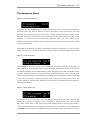
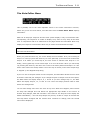
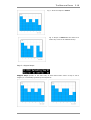
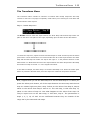
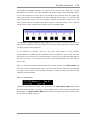
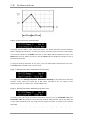
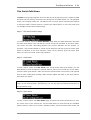
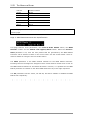
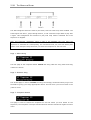
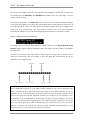
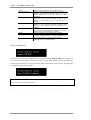
To insert a new note into the current scale, make sure that Shift Mode is not selected and
use the Enter push button to move the cursor through the notes. Press the Select key once
and a new note will be inserted between the currently selected note and the next note in
the scale.
To delete a note from the current scale, make sure that Shift Mode is active i.e. the LED is
flashing, and use the Enter key to move through the available notes. When you reach the
note you want to delete, press the Select push button once. The note will be deleted and
any higher notes in the scale shuffled down by once step,
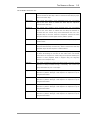
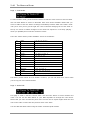
Hint: If you want to create your own scale then a good starting point might be to look
through the above table and see if any of the existing factory scales are close to what you
have in mind.
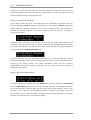
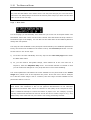
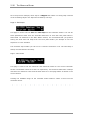
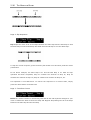
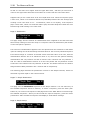
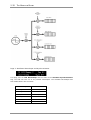
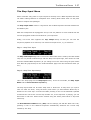
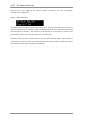
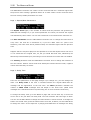
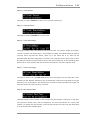
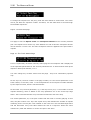
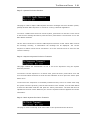
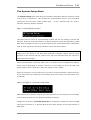
Page 3: Rename Scale
To rename the scale, press the Enter push button once. The current letter will flash. Use
the Data Wheel to change the current letter and the Select button to move to the next
letter. Press the Enter key again when you have finished.
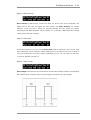
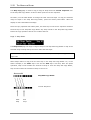
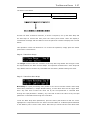
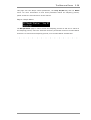
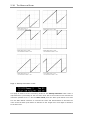
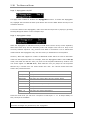
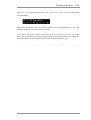
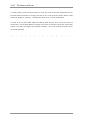
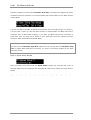
Page 4: Save Scale
To save the current scale in one of the User Defined Scale memories press the Enter push
button once and then use the Data Wheel to scroll through the list of available location.
To save the record, press the Select button once. To leave this option, press the Enter
push button once again and the cursor will return to the Home position.
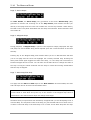
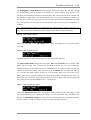
Hint: At the moment, the force-to-scale facility is limited to just the available notes in the
MIDI range. Future revisions may allow the creation of microtonal scales.
ZEIT USER MANUAL