1
FX Series Programmable Controllers
Remote Maintenance Using a Telephone Line 9
Functions
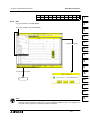
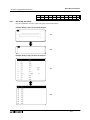
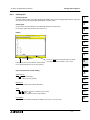
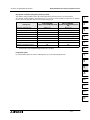
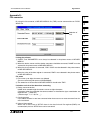
The PC can be connected to the modem of the PLC through a telephone line.
FXGP/WIN-E can automatically connect to the desired PLC by selecting the corresponding station from those
stored in the PC. In addition, FXGP/WIN-E can manually connect the PC to the PLC by manually setting the
telephone number of the PLC.
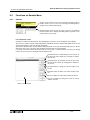
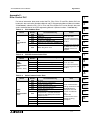
When connected, various commands on the PLC and Monitor/ Test menus will be valid.
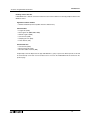
These commands are listed below
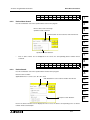
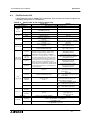
Commands on PLC menu
•
Transfers
•
Register Data Transfers
•
PLC Memory Clear
•
Serial Setting (D8120)
•
PLC Keyword Current or Delete
•
Runtime Program Changes
•
Remote Run/Stop
•
Diagnostics
•
Sampling Trace
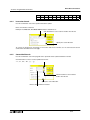
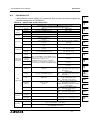
Commands on Monitor/Test menu
•
Start monitor
•
Stop Monitor
•
Dynamic Monitor
•
Entry Device Monitor
•
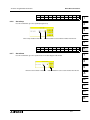
Forced Y Output
•
Forced On/Off
•
Change Current Values
•
Change Setting Values
9-2