1
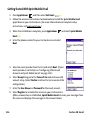
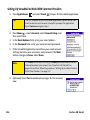
Getting Started With Sprint Mobile Email
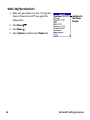
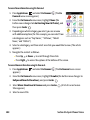
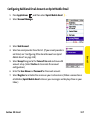
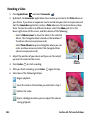
1. Press Applications
, and then select Get Email
.
2. Follow the onscreen instructions to download and install the Sprint Mobile Email
application on your Centro device. (For more information and complete setup
instructions, visit www.sprint.com.)
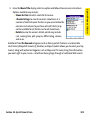
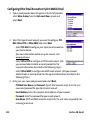
3. When the installation is complete, press Applications
Email
and select Sprint Mobile
.
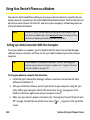
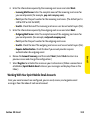
4. Enter the phone number for your Centro device and select
Next.
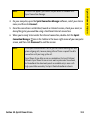
5. Select an email provider from the list and select Next. (If your
email provider is not listed, see “Configuring Other Email
Accounts on Sprint Mobile Email” on page 118.)
6. Select Accept to agree to the Terms of Use and continue with
account setup. (Select Decline to refuse the terms and end the
configuration.)
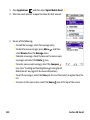
7. Enter the User Name and Password for the email account.
8. Select Register to initialize the service on your Centro device.
(When a connection is established, Sprint Mobile Email retrieves your messages from
the server and displays the messages in the account Inbox.)
116
Section 3B: Email