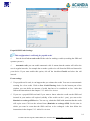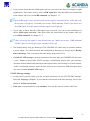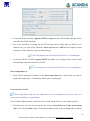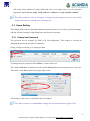
1
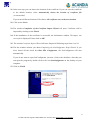
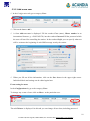
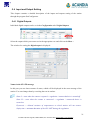
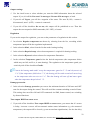
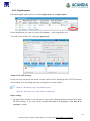
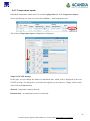
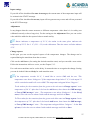
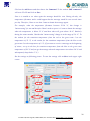
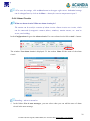
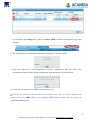
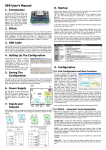
What does it mean each settings options in the right side of window? If you tick off the checkbox Disable, the user telephone number will be prohibited for all events. It is useful when you need temporarily disabled sending events to this user (e.g. when the user is on holidays). If you tick off the checkbox Automatic calls, the user will be called in regular intervals (e.g. due to make a voice call from SIM card). The interval can be set in the menu General Automatic calls. If you tick off the checkbox Send a copy of all messages, copies of all SMS responses from the station will be sent to this user. In the selection Pulse after incoming call you can define whether and how to verify back the pulse execution as a reaction to the incoming call. There are three options what to do after incoming call: do not verify, verify with voice callback, verify with data callback. Tick off the wanted option. The reaction on the incoming call can be done only for one selected output. The output you can select in the listbox. 19 ACANDIA AB, Vintervägen 2B, 13540 TYRESÖ, Tel: +46-8-52 22 40 30, info@acandia.se, www.acandia.se