1
Table of Contents
Install MSRedux-XI.................................................................................................. 3
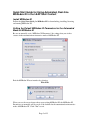
Install LEAP Shell for AutoDART ......................................................................... 4
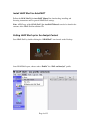
Setting LEAP Shell up for the Analyst Context .................................................... 4
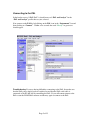
Connecting to the PAL ............................................................................................. 5
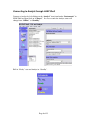
Connecting to Analyst through LEAP Shell .......................................................... 6
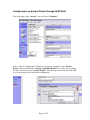
Configuring to an Analyst Project through LEAP Shell ...................................... 7
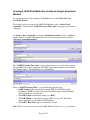
Creating a LEAP Shell Method to Include an Analyst Acquisition Method...... 8
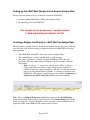
Setting up the LEAP Shell Sample List to Acquire Analyst Data ....................... 9
Importing a Sample List into LEAP Shell from a File........................................ 10
The Chemical “Formula” Feature of MSRedux-XI............................................ 11
Steps to Importing a Sample List into LEAP Shell from a File ......................... 12
Getting Ready to Run............................................................................................. 19
Submit the Sample List to the LEAP Shell Queue and Run .............................. 21
DART Shutdown Feature ...................................................................................... 22
Additional Comments............................................................................................. 23
Page 2 of 23