1
More on Photography and Playback
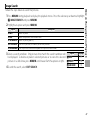
Choose a shooting mode according to the scene or type of subject.
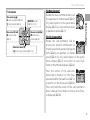
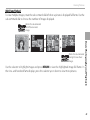
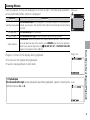
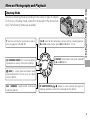
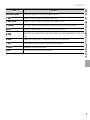
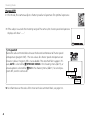
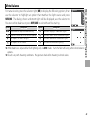
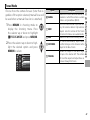
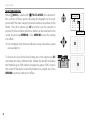
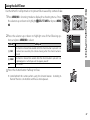
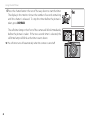
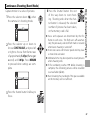
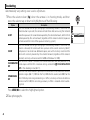
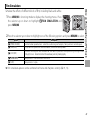
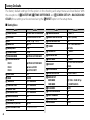
To choose a shooting mode, rotate the mode dial to the desired setting. The following modes are available:
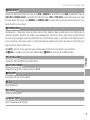
P: Aperture and shutter speed can be adjusted using program shift (P 40).
S, A, M: Select for full control over camera settings, including aperture
(M and A) and/or shutter speed (M and S) (P 41, 42, 43).
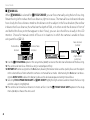
S (ADVANCED SR AUTO): The camera automatically optimizes settings to the scene (P 34).
C (CUSTOM): Recall stored settings for modes P,
S, A, and M (P 44).
More on Photography and Playback
Shooting Mode
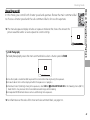
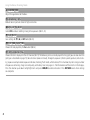
B (AUTO): A simple “point-and-shoot” mode
recommended for first-time users of digital
cameras (P 34).
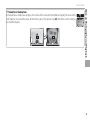
Adv. (ADVANCED): Sophisticated techniques
made easy (P 35).
SP SCENE POSITION/N/M/h: Choose a scene suited to the subject or
shooting conditions and let the camera do the rest (P 38).
33