1
User Guide 143
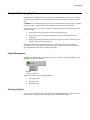
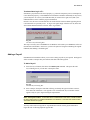
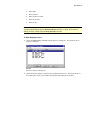
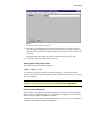
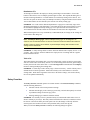
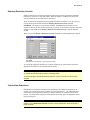
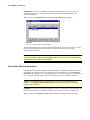
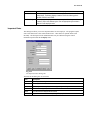
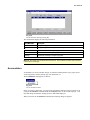
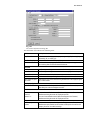
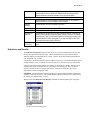
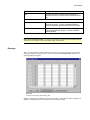
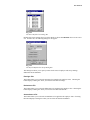
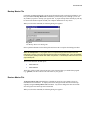
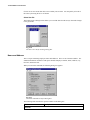
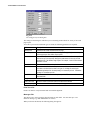
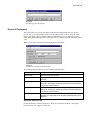
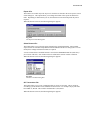
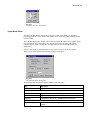
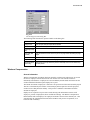
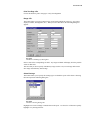
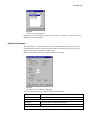
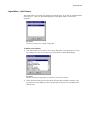
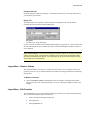
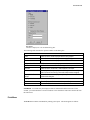
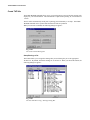
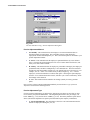
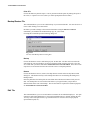
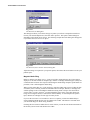
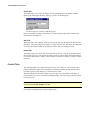
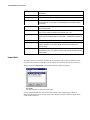
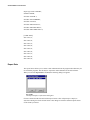
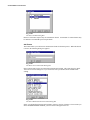
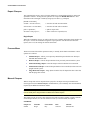
Fig. 9-50
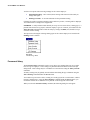
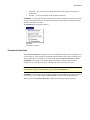
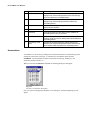
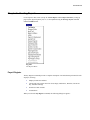
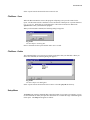
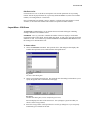
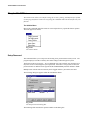
The Select Earning Dialog Box
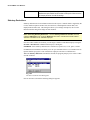
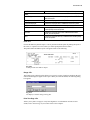
Highlight one or more earnings to include them in the report. Use the Select All button to quickly
highlight every earning in the list.
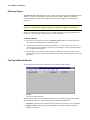
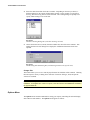
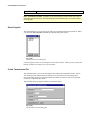
Pay Period Summary
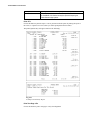
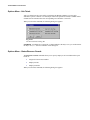
This option allows you to print the Employee Profile report which lists an employee's personal
information and a summary of all pay cheques that have been issued for the current year. Each
employee profile report is printed on a separate page.
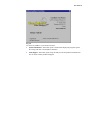
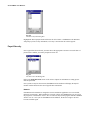
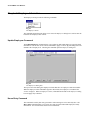
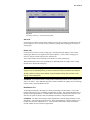
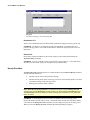
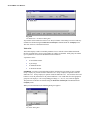
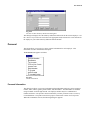
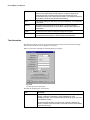
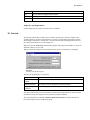
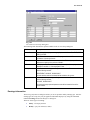
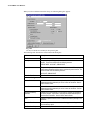
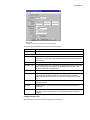
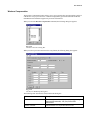
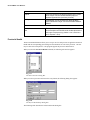
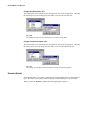
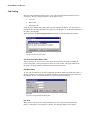
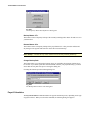
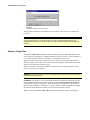
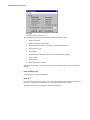
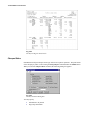
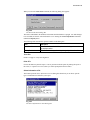
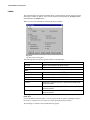
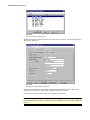
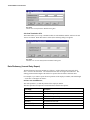
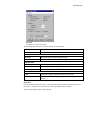
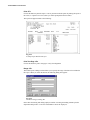
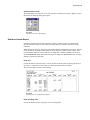
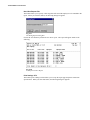
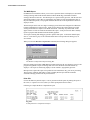
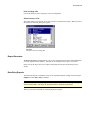
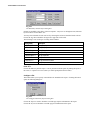
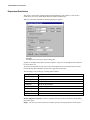
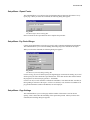
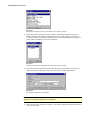
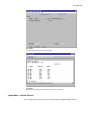
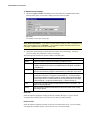
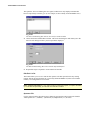
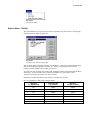
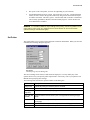
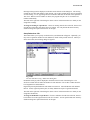
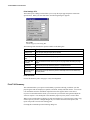
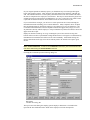
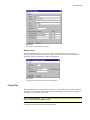
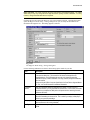
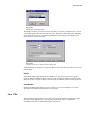
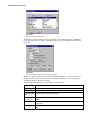
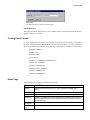
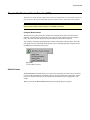
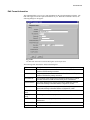
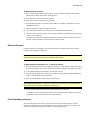
When you select this command, the following dialog box will appear:
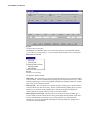
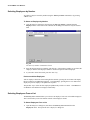
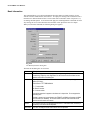
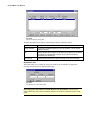
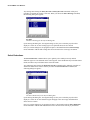
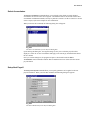
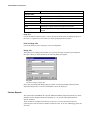
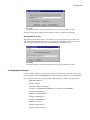
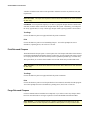
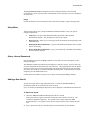
Fig. 9-51
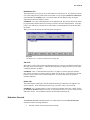
The Employee Payroll Summary Dialog Box
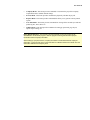
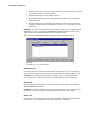
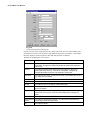
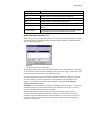
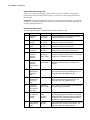
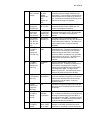
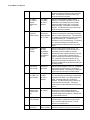
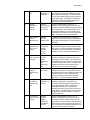
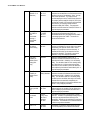
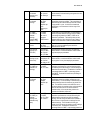
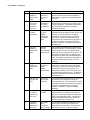
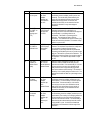
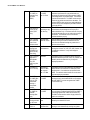
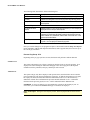
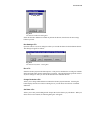
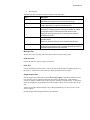
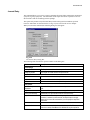
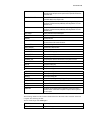
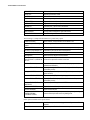
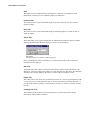
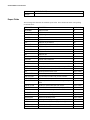
The following table describes the options available in this dialog box:
Field
Description
Sort Order
Order in which to print the employee payroll information.
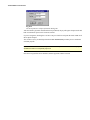
Run Range
Starting Run
Enter the starting run number to begin printing at.
Ending Run
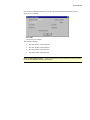
Enter the ending run number to end the printing at.