1
Device Initialization User Manual
User Interface
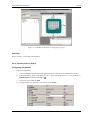
Bean Pop-up Menu
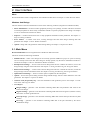
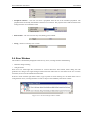
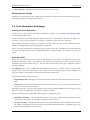
This menu appears when the user clicks on a bean icon with the right mouse button. It contains the following
commands:
• Disable Peripheral Initialization - removes the selected bean with all its settings from the design.
• Help on Bean - opens the help pages related to the selected bean.
General Pop-up Menu
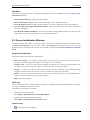
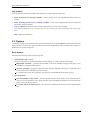
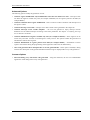
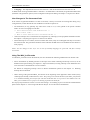
This menu appears when the user clicks anywhere in the Device Initialization window with the right mouse
button. It contains the following command:
• Help on Device Initialization Window - shows this help page.
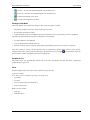
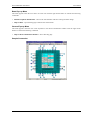
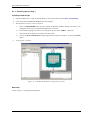
Sample Screenshot
- 10 -