1
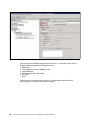
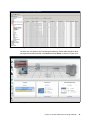
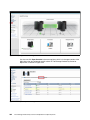
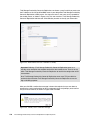
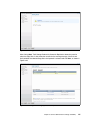
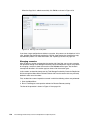
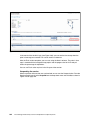
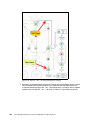
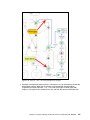
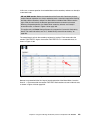
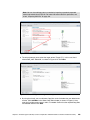
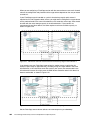
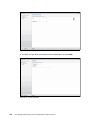
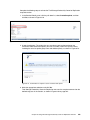
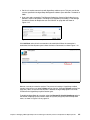
Various panels within Tivoli Storage Productivity Center for Replication, such as those shown
in Figure 6-4 on page 314 and Figure 6-5 on page 314, display the Local Status for the added
XIV storage systems. This status represents the status of the main connection between the
Tivoli Storage Productivity Center for Replication server and the IP address that you added. It
does not include the status of the other IP connections to the XIV that are automatically
discovered.
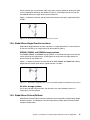
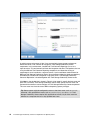
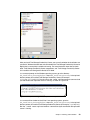
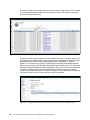
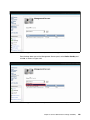
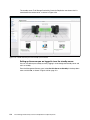
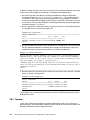
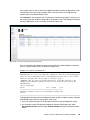
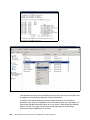
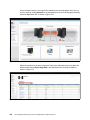
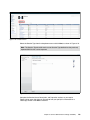
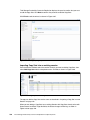
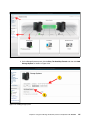
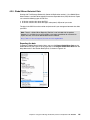
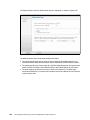
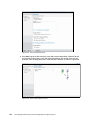
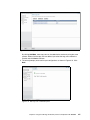
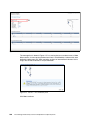
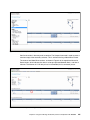
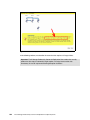
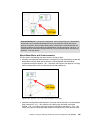
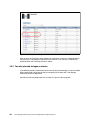
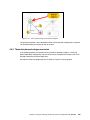
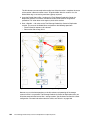
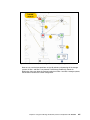
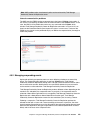
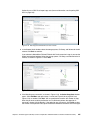
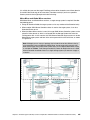
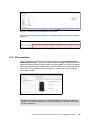
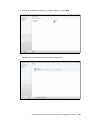
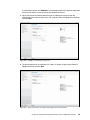
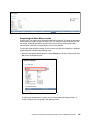
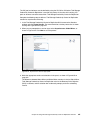
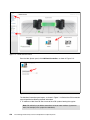
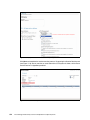
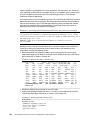
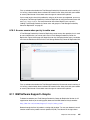
To view the status for all of the connections to an XIV Storage System, select the radio button
for the host name or IP address that you added (the main connection), choose View/Modify
Connections Details from the list of actions, and click Go, as shown in Figure 6-6.
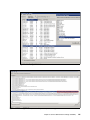
Figure 6-6 View/Modify Connection Details
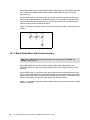
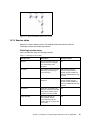
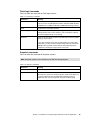
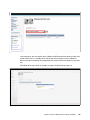
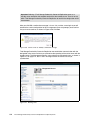
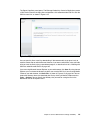
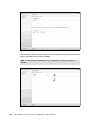
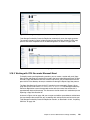
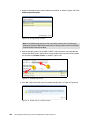
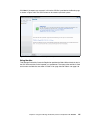
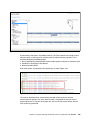
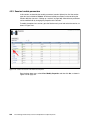
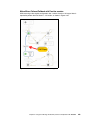
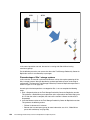
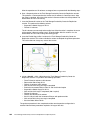
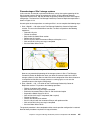
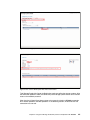
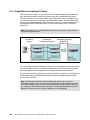
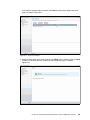
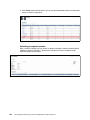
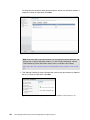
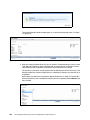
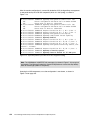
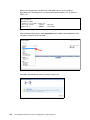
If you prefer, you can choose to click the link to the host name to go directly to the Connection
Details panel (as shown in Figure 6-7 on page 316) for a particular device instead.
Chapter 6. Using Tivoli Storage Productivity Center for Replication with XIV
315