1
General Topics
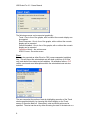
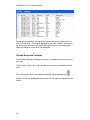
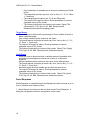
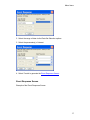
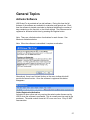
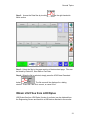
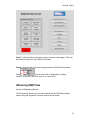
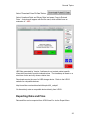
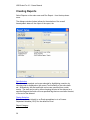
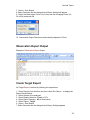
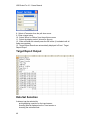
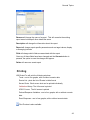
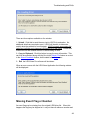
Step 3: Select the files in the upper section of the download page. Files can
be sorted by Patient ID, Start Date or End Date.
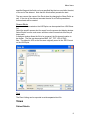
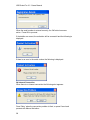
Step 4: When the file is selected, simply press the LiDCOview Download
. The file name will be displayed in a dialog
button
window. Press OK if the file is correct, or cancel if not.
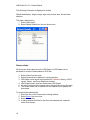
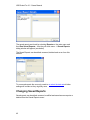
Obtaining HBD Files
Access to Engineering Screen
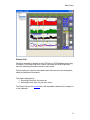
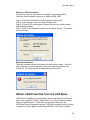
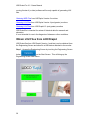
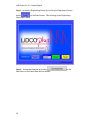
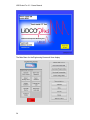
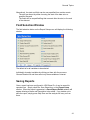
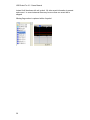
The Engineering Screen can only be accessed via the LiDCOplus startup
screen using the sequence of screen touches shown below.
33