1
Page 3 of 31
Diabetes Educator Tracking Software
Installing the Database
To install the database for a single user, download and save the CMT.mdb file to the desired folder on a local
drive/computer. For multiple users, install the database on a network drive. Users can be given access
rights/permissions to that drive, map the drive to their computer, and create a shortcut on their desktop to access
the live database.
Opening the Database
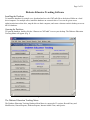
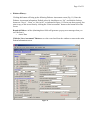
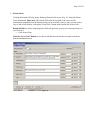
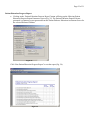
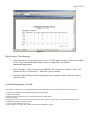
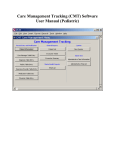
To open the database, double click the “Shortcut to CMT.mdb” icon on your desktop. The Diabetes Education
Tracking Menu will appear (Fig. 1)
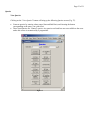
Figure 1
The Diabetes Education Tracking Menu
The Diabetes Education Tracking Database Main Menu is composed of 5 sections: Record Entry and
Modification, General Reports, Diabetes Reports, Instruct/Admin Time, and Queries.