1
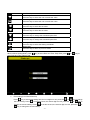
Press
or
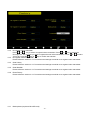
key to select Backup data field, press the
or
Press
or
key to select the history year file. Press
key or
key to enter backup mode:
key to confirm the selection. Press
or
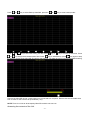
to change the activated option field. Press
key to start backup, press
key again to stop
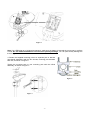
the backup. Please insert MicroSD card before start backup. The data save as excel format as default setting.
Connect the MicroSD card to a card reader once connected to a computer. Double click the removable drive
icon to check for the save Excel spreadsheet (.csv).
NOTE: There is no limit to what capacity MicroSD card this unit can use.
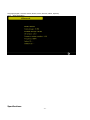
Accessing the contents of the Unit.
- 21 -