1
Managed Switch User Guide
Purpose
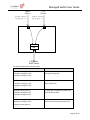
This guide provides the configuration instructions for the Razberi Managed Switch, including Port
Management, VLAN setting, Per Port Counters, QoS setting, Security, Spanning Tree, Trunking, DHCP
Relay Agent, Backup/Recovery, Miscellaneous, SNMP Settings, and Logout.
The Razberi Managed Switch supports all mainstream browsers, such as IE 6.0~9.0, Firefox 2.0~3.0 and
Chrome, to configure Switch functions listed below.
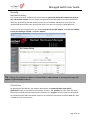
Prepare to enter the managed switch
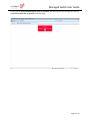
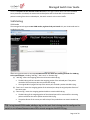
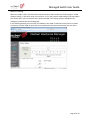
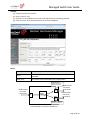
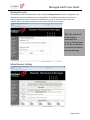
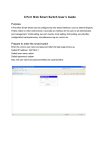
Enter the correct administrator name and password after the login page shows up.
Default IP address: 192.168.2.1
Default administrator name: admin
Default password: system
Press “OK” to login.
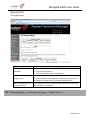
Tip: The administrator name and password fields are case-sensitive. For example: “ADMIN”
will not be recognized as “admin”.
Page 2 of 34