1
1. The theme tree
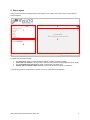
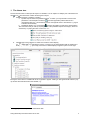
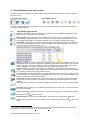
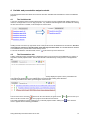
We use the theme tree to select specific reports or variables. You can expand or collapse part of the theme tree
with
and . The theme tree contains several types of object:
1. Predefined reports or displays, including:
1
a. Dynamic reports: these are predefined reports for which you may be able to choose some
parameters. The example in the demo ( Fact sheet population) allows selection of a
geographical area (e.g. a local authority) and an area against which to benchmark, e.g. region
or another local authority.
b. Predefined displays, e.g. the example
Pyramid: Population pyramid in the demonstration.
We recommend that you start by exploring some of the predefined reports and displays; these are
indicated by a symbol other than a check box, e.g.:
2. Variables that can be selected or combined to create a custom display,
e.g.
; selecting the tick box
next to one of these indicates that the variable is to
be displayed in a table, graph or map, and causes a default display to appear in panel 3 at the right.
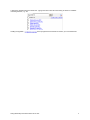
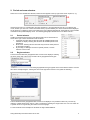
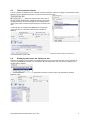
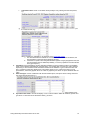
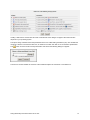
Moving the cursor above a variable will cause a hyperlink to appear. Clicking on this hyperlink will activate a popup window with information about the variable, e.g.:
1
Setting up predefined reports is an administrator task
Swing-Quickstep user manual 2013-02-19.docx
3