1
Chapter 22
Using Your Coefficient Designs with DFD Utilities
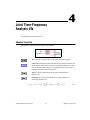
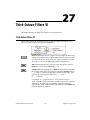
DFD Filter
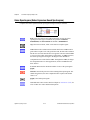
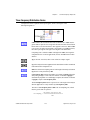
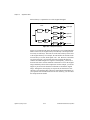
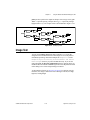
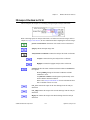
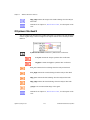
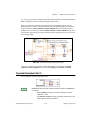
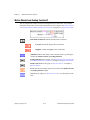
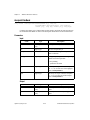
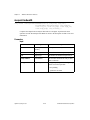
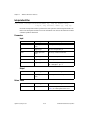
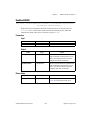
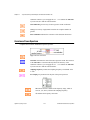
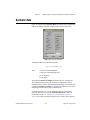
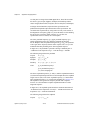
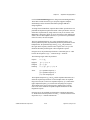
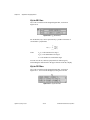
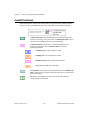
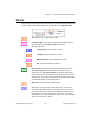
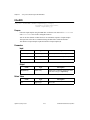
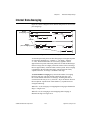
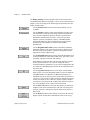
Filters the input array X using the DFD coefficient cluster. Use the Read DFD Coefficients VI
to read your DFD coefficient files and properly initialize the input Coefficient Cluster.
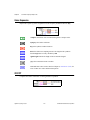
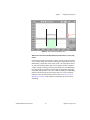
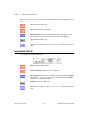
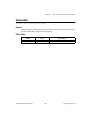
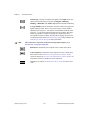
X contains the array of input samples to filter.
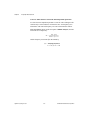
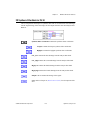
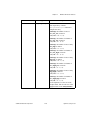
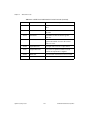
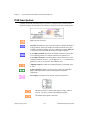
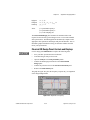
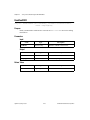
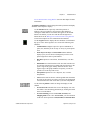
Coefficient Cluster is the cluster of coefficient information read from
the coefficient file. The Coefficient Cluster contains the
following parameters:
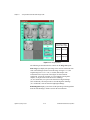
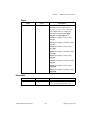
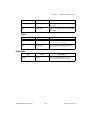
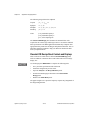
coefficient type is either 0 (IIR) or 1 (FIR).
sampling rate is the sampling rate in hertz.
IIR Filter Cluster is the cascade IIR filter cluster.
h(n) specifies the FIR filter coefficients.
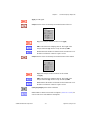
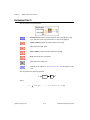
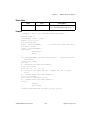
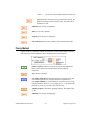
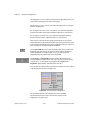
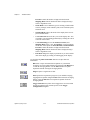
init/cont (init:F) controls the initialization of the internal filter states.
When init/cont (init:F) is FALSE (default), the internal states are
initialized to zero. When init/cont (init:F) is TRUE, the internal filter
states are initialized to the final filter states from the previous call to this
instance of this VI. To filter a large data sequence that has been split into
smaller blocks, set this control to FALSE for the first block and to TRUE
for continuous filtering of all remaining blocks.
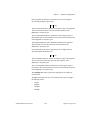
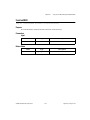
Filtered X is the array of filtered output samples.
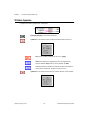
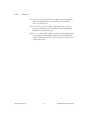
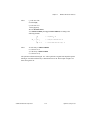
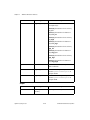
error is the error code returned from the filtering VIs. You can wire
this output to the Find First Error VI to produce an error cluster. Then
you can wire this cluster to the Simple Error Handler VI or the General
Error Handler VI for an immediate report on any errors. You can find
descriptions of error codes in Appendix B, Error Codes, of the LabVIEW
Function and VI Reference Manual.
© National Instruments Corporation
22-3
Signal Processing Toolset