1
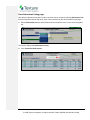
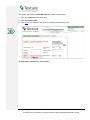
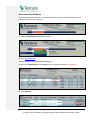
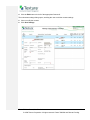
The system displays the Contract Maintenance (Contract) page.
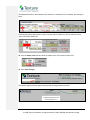
7. Select Edit Settings.
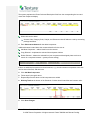
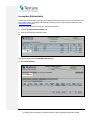
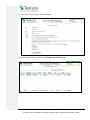
The system displays the Contract Maintenance (Settings) page.
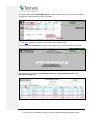
8. Click the Sub SOV Option to open menu.
9. Click Specified SOV.
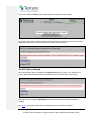
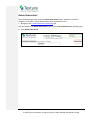
10. Click Save Changes.
Textura™ User Manual, Confidential
© 2009 Textura Corporation. All rights reserved. Patent 7490064 and Patents Pending.
20