1
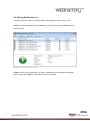
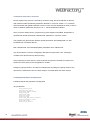
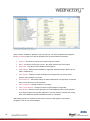
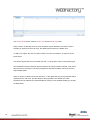
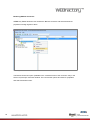
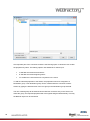
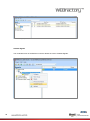
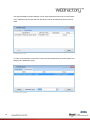
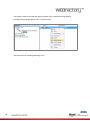
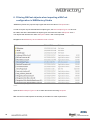
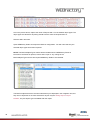
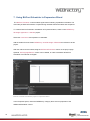
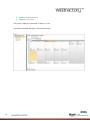
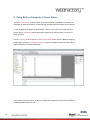
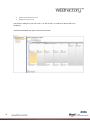
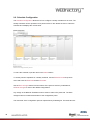
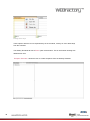
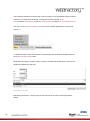
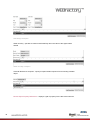
If an object is selected in the tree structure, the grid panel will list the imported properties for the selected object. BACnet Connector Configuration The BACnet Connector Configuration allows two methods of adding devices to a connector: create a new connector by pressing the New button on the connector configuration menu bar, while the root of the tree is selected. o If the New button is pressed while having a device selected in the tree structure, a new object will be created (by default an accumulator object); o If the New button is pressed while an object is selected in the tree structure, a property selection dialog will pop up. importing devices by clicking on the Import button on the connector configuration menu bar Importing a BACnet device will open the import properties window. Here the user will be able to select the connected BACnet devices and import the desired ones. 21