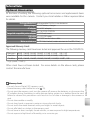
1
4
5
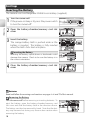
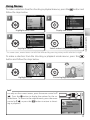
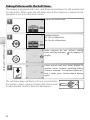
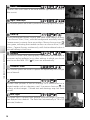
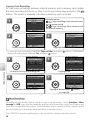
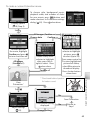
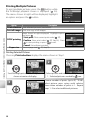
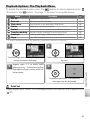
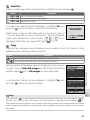
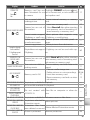
Confirm selection (to return to step 1 and
button).
change selection, press
* Press
Start printing. PictBridge menu is displayed when printing is complete.*
again to cancel before printing is complete.
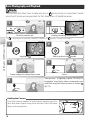
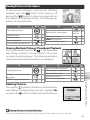
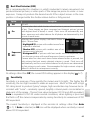
Creating a DPOF Print Order: Print Set
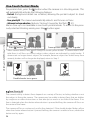
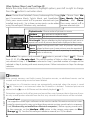
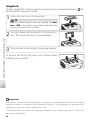
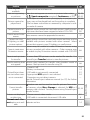
1
2
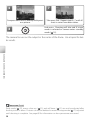
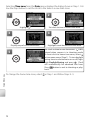
Highlight Print selected.
Display selection dialog.
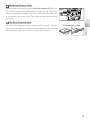
* To delete current print order, highlight Delete print set and press
3
4
.
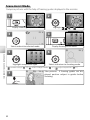
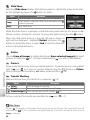
Select pictures as described in Steps 1–3 of “Printing Selected Pictures” (
58).
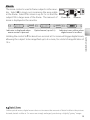
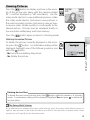
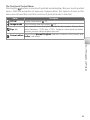
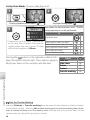
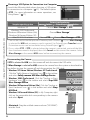
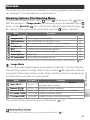
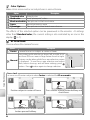
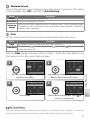
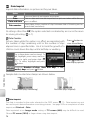
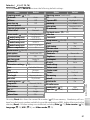
Highlight option and press :
• Date: Print date of recording on all pictures
in print order.
• Info: Print shutter speed and aperture on
all pictures in print order.
• Done: Complete print order and exit. Pictures in print order are shown by icon during playback ( 6–7).
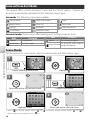
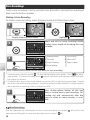
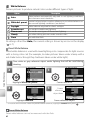
Print Set
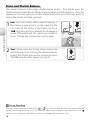
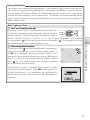
Date and Info are reset each time the menu shown Step 4 is displayed. Info is not printed
when the camera is connected directly to the printer.
59
Connecting to Televisions, Computers, and Printers
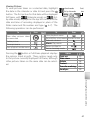
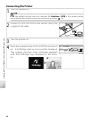
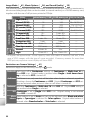
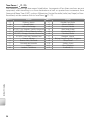
The Print set option in the playback menu ( 67) is used to create digital “print orders” for printing on DPOF-compatible devices ( 86). Selecting Print set displays
the menu shown in Step 1.