1
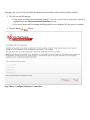
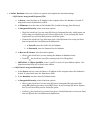
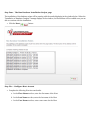
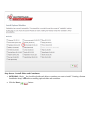
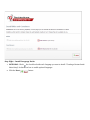
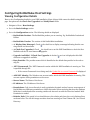
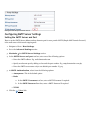
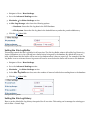
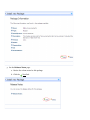
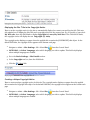
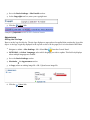
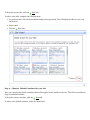
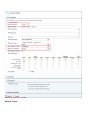
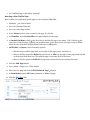
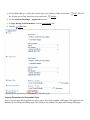
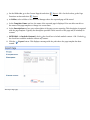
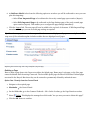
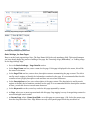
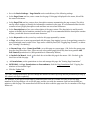
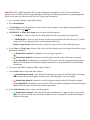
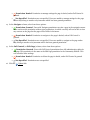
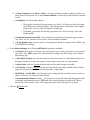
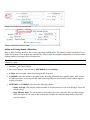
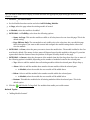
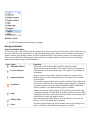
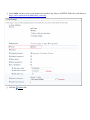
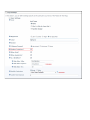
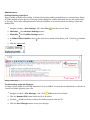
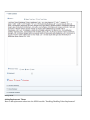
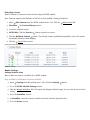
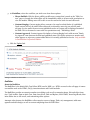
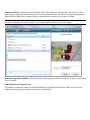
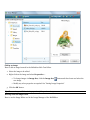
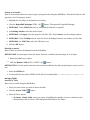
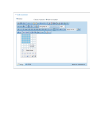
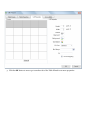
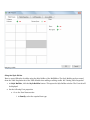
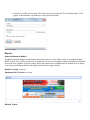
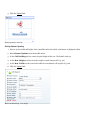
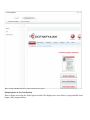
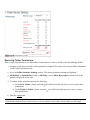
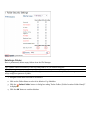
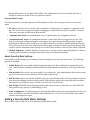
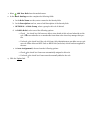
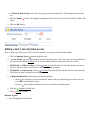
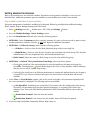
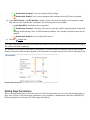
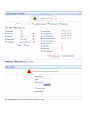
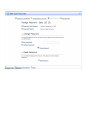
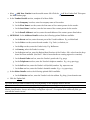
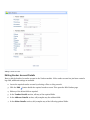
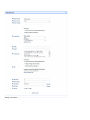
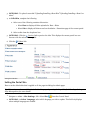
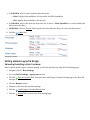
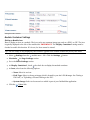
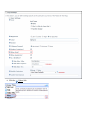
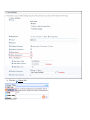
Image shows default spacing setting
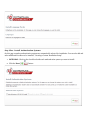
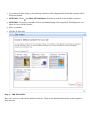
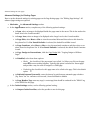
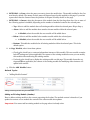
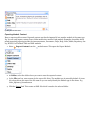
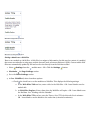
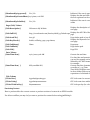
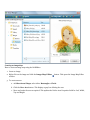
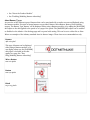
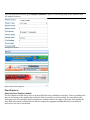
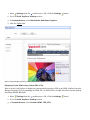
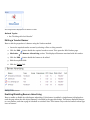
Banners set with Cell Padding 4, Row Height 100
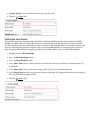
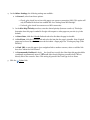
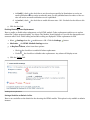
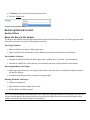
Setting the Banner Border
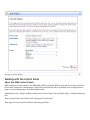
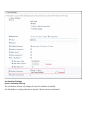
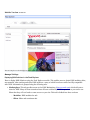
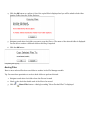
How to set the width and color of the border around each banner that is displayed in a banners module.
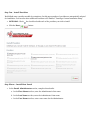
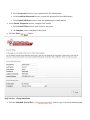
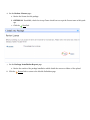
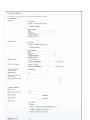
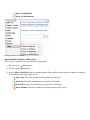
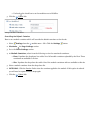
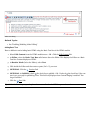
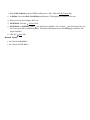
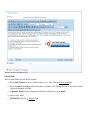
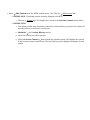
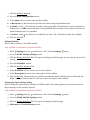
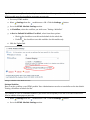
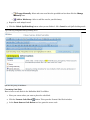
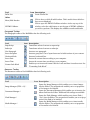
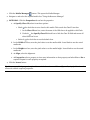
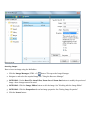
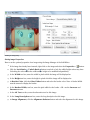
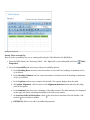
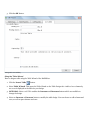
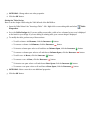
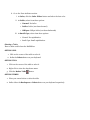
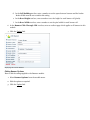
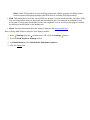
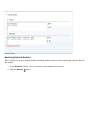
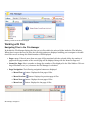
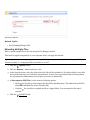
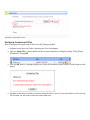
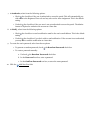
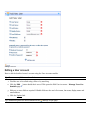
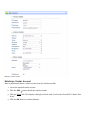
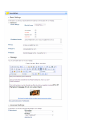
1. Select Banner Options from the module menu.
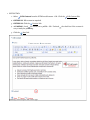
2. At Border Width, enter the pixel width of the border. E.g. 3
3. At Border Color, enter a hex number (#6495ED) or color code (CornflowerBlue) to set the color of the
border.
4. Click the Update link.