1
MANUAL
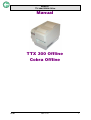
TTX 300/COBRA Offline
Option: Dispenser
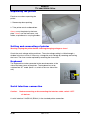
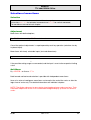
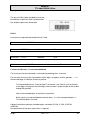
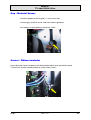
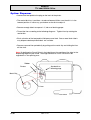
• Connect the foot pedal to the plug on the back of the printer.
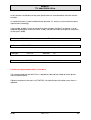
• The rewind disk has 2 positions: raised and lowered. Make sure the disk is in the
lowered position. If necessary, push down on the disk to adjust it.
• Remove enough labels to expose 1 ft / 40 cm of backing paper.
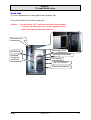
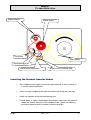
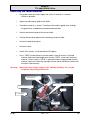
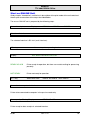
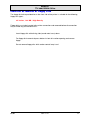
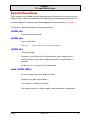
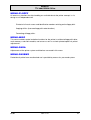
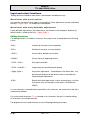
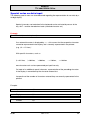
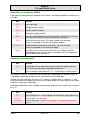
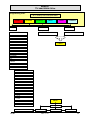
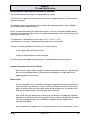
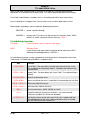
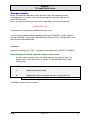
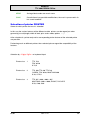
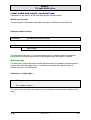
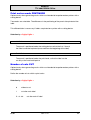
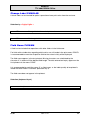
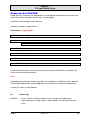
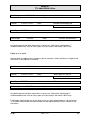
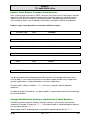
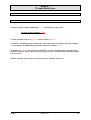
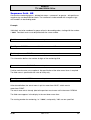
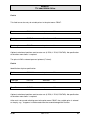
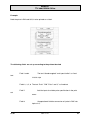
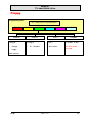
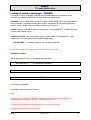
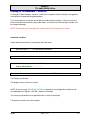
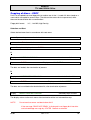
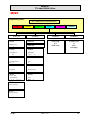
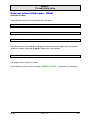
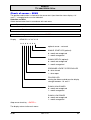
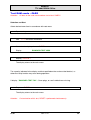
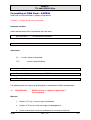
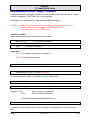
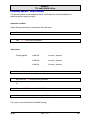
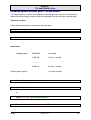
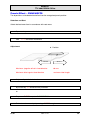
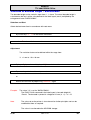
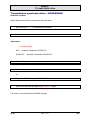
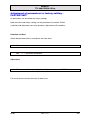
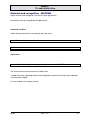
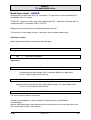
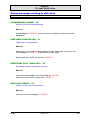
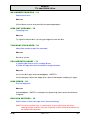
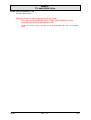
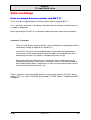
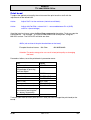
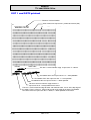
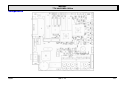
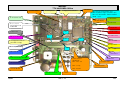
• Thread the liner according to the following diagrams. Tighten liner by rotating the
rewind disk.
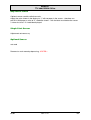
• Each activation of the foot pedal will dispense one label. One or more blank labels
may dispense before printed labels are available.
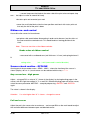
• Remove rewound liner periodically by pulling out the metal clip and sliding the liner
off the shaft.
Note: By defining the Punch Offset in the label format, the position of the label at the
dispensing edge may be varied. The length defined via Punch Offset must be
regarded as a non-printing area.
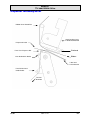
Ribbon
Printed
See detail on
following page
Metal Clip
Liner
Foot Switch
05/02
Rev. 1.12
141