1
Mashup Factory Beta – User Manual
•
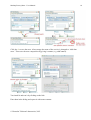
Install (manage composed services)
You can use the install and manage the composed services, i.e. active, stop, rename or
remove services. You can allow users and user groups to consume the services. (See
section User.)
You can watch the status of a service and define the period of activation.
•
Test
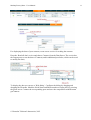
You can try out your application whenever you want by clicking Test. You can test the
service with your account or you have the option to test with a dedicated user name to
consume the services.
You see the list of services after login for test and you can start the service via click on
the link.
Once you're satisfied that it's ready to go, you can consume the service from the Portal
(tbd) after authentication.
•
User (manage users and groups)
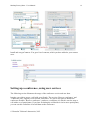
You can define test users to try the composed services. Edit some attributes (e.g. email
address, phone number, login name) of the test users and organise them to groups, if
you plan e.g. survey or a conference call.
Caution: You are responsible for the data of test users, keep legal constraints
concerning data security.
•
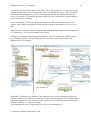
Monitor
You can monitor the use some services you had executed.
Send SMS!
A "send SMS" service composition depicts the easy composition process with Mashup
Factory and illustrates the functions and components.
Purpose of the service is a web dialog to send a SMS, which can be used by an authorized
user by entering the message text and the phone number.
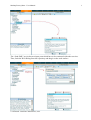
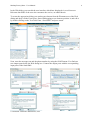
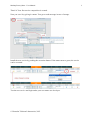
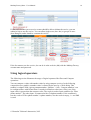
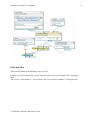
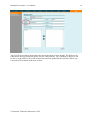
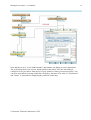
In the Compose section you browse the repository for “Send SMS”. Drag this box with the
mouse and drop it on the work surface.
© Deutsche Telekom Laboratories, 2012
2