1
WCMSAP User Manual
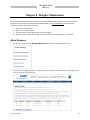
Chapter 8:Designee Maintenance
Regenerate Invitation E-mail
When the Account Manager invites a person to be an Account Designee, an E-mail is generated and sent
to the intended Designee informing them of the invitation, and includes a token link for them to access the
WCMSAP site and self-register as an AD.
If the intended Designee has misplaced or deleted the invitation E-mail, or if the Designee has not
registered within 30 days, the Account Manager can regenerate the invitation E-mail, allowing the
intended AD to self-register.
The previously-generated token link will not work once a new E-mail is generated. Invitation E-mails can
only be regenerated for Designees in Pending status. The E-mail will come from
cobva@ghimedicare.com. Inform your Designee to allow E-mail deliveries from this address.
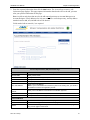
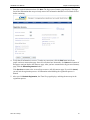
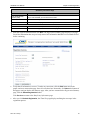
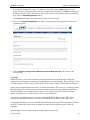
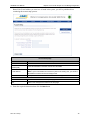
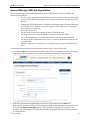
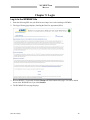
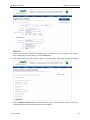
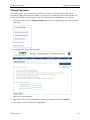
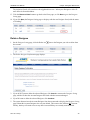
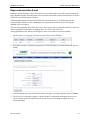
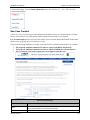
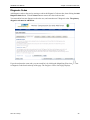
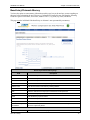
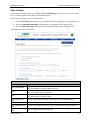
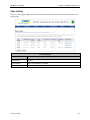
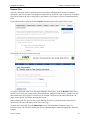
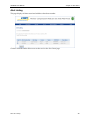
1. On the Designee Listing page, click the last name of the preferred Designee.
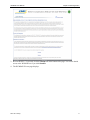
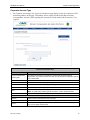
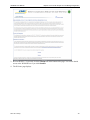
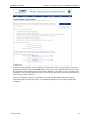
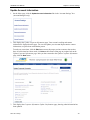
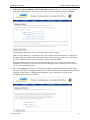
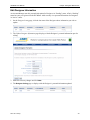
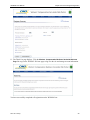
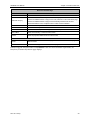
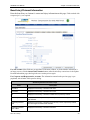
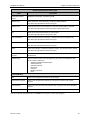
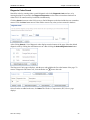
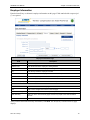
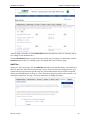
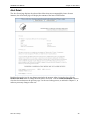
2. The Update Designee Information page displays, with the Designee‟s personal information open for
editing.
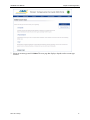
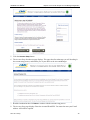
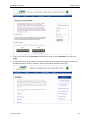
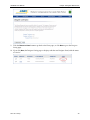
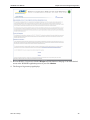
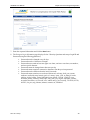
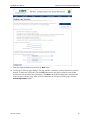
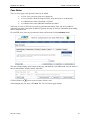
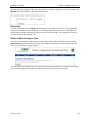
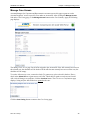
3. Check the Regenerate token checkbox beneath the Designee‟s personal information then click Next.
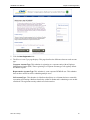
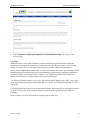
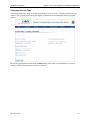
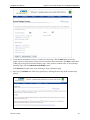
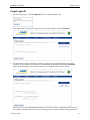
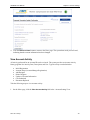
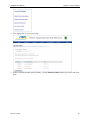
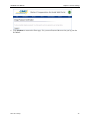
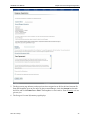
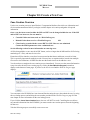
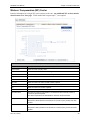
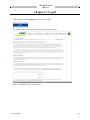
4. The Designee Listing page re-displays, with the Designee‟s information unchanged. However, the
system re-generates the invitation E-mail and sends it to the E-mail Address registered for the
Account Designee.
Rev. 2011-4/July
54