1
Setting
display
t
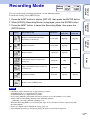
You can change the field angle for recording.
To make the setting, select [SETUP] first.
Table of
contents
Field Angle
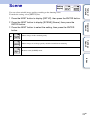
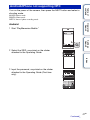
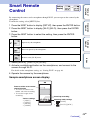
1 Press the NEXT button to display [SETUP], then press the ENTER button.
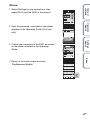
3 Press the NEXT button to select the setting, then press the ENTER
button.
Operation
Search
2 Press the NEXT button to display [ANGLE] (Angle), then press the
ENTER button.
Records with a field angle of 170°.
Settings
Search
Records with a field angle of 120°.
Returns to the [ANGLE] menu.
Notes
Index
• When SteadyShot is set to [ON], the field angle will be set to [120°].
• When the field angle is set to [170°], SteadyShot will be set to [OFF].
• When the Recording Mode is set to [VGA], the angle of view becomes narrower compared to other
Recording Modes.
22GB