1
Setting
display
t
When you are in an airplane or another restricted place, you can set the camera to disable all
functions related to the wireless applications such as Wi-Fi, etc. If you set the airplane mode to
[ON], an airplane mark will be displayed on the display panel.
Table of
contents
Airplane Mode
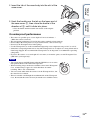
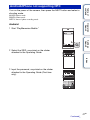
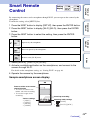
1 Press the NEXT button to display [SETUP], then press the ENTER button.
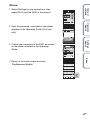
3 Press the NEXT button to select the setting, then press the ENTER
button.
Operation
Search
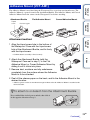
2 Press the NEXT button to display [PLANE] (Airplane Mode), then press
the ENTER button.
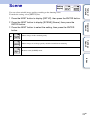
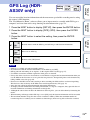
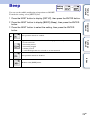
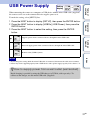
Select this when you are on board an airplane.
Settings
Search
Select this for normal use.
Returns to the [PLANE] menu.
Index
27GB