1
Calibration
6.2.3
6-18
Verify Head Height Values
1.
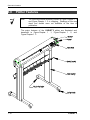
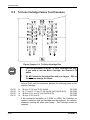
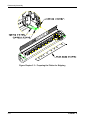
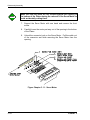
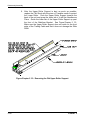
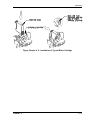
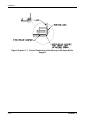
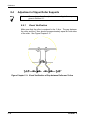
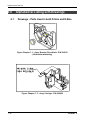
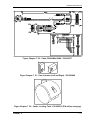
Move the Carriage (with the gauge installed in the holder for the
Black Cartridge) to the center of the Platen, next to the Turnbuckle
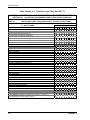
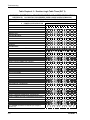
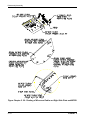
(see Figure Chapter 6 .2). Record the reading in Part 2 of the
Calibration Worksheet.
2.
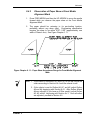
Move the Carriage (with the gauge installed in the holder for the
Black Cartridge) to the left location of the Platen. Record the
reading in Part 2 of the Calibration Worksheet.
3.
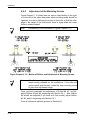
Move the Carriage (with the gauge installed in the holder for the
Black Cartridge) to the right location of the Platen. Record the
reading in Part 2 of the Calibration Worksheet.
4.
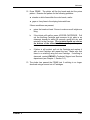
If the values are not within specification, repeat the adjustment
procedure.
Remove the gauge if all values are within
specification.
5.
Install a set of full Cartridges and proceed to Section 6.3, “Encoder
Strip Location/Visual Check.”
CADJET 2