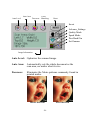
1
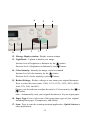
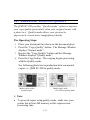
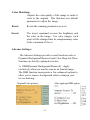
Color Matching:
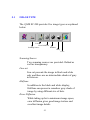
Adjusts the color quality of the image to make it
close to the original. This function uses default
parameters to adjust the image.
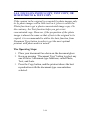
Reset:
Resets the scanning parameters you set.
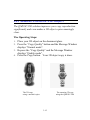
Invert:
The invert command reverses the brightness and
the color in the image. For color images, each
pixel will be changed into its complementary color
at the command of Invert.
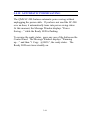
Advance Settings:
The Advance Settings provide several functions such as
Dynamic Background Removal and Color Drop-out.These
functions are briefly explained as below:
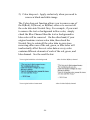
1). DBR(Dynamic Background Removal) - Apply
exclusively when you need to scan as an Lineart image .
The DBR function incorporates a few enhanced options to
allow you to remove background color to sharpen your
text or drawing.
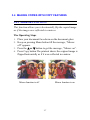
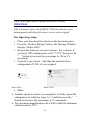
After applying DBR option
Original(Color picture)
5-7