1
Grievance Fact Sheet
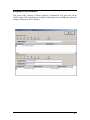
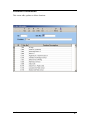
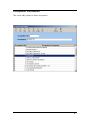
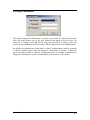
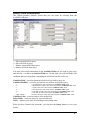
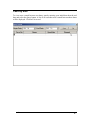
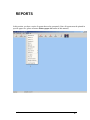
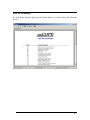
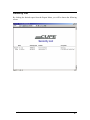
By clicking the desired report from the Report Menu, you will be shown the following
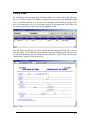
screen. To create a Grievance Fact Sheet Report, you must first select the Case by
highlighting that Case. To reach the desired Case, you can scroll through all of the names
using the scroll bar, if you know the Case No: or Last Name, enter it in the appropriate
field. When you are ready to generate the report, click on the ‘Report’ button.
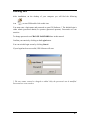
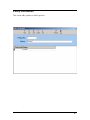
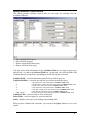
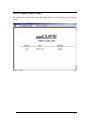
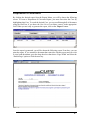
Once the report is generated, you will be shown the following screen. From here, you can
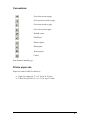
print the report. If you scanned a document that coincides with this report and you wish
to view both documents, go to the drop down box that shows ‘Page Width’ and select the
‘Double Page’ option or click the next key.
User’s Manual
REPORTS • 60