1
WiPG-1000 User Manual
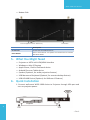
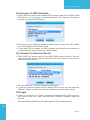
2. Connect the power adaptor to WiPG-1000 device and press the power
button to turn on WiPG-1000 device.
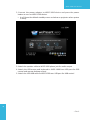
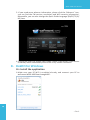
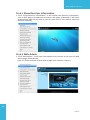
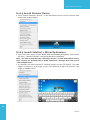
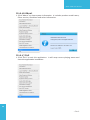
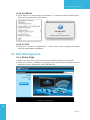
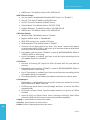
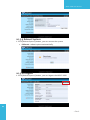
▪▪ It will show the default standby screen as below on projector when system
is ready.
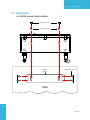
3. Attach the speaker cable to WiPG-1000 phone jack for audio output
4. Attach the USB mouse and keyboard to WiPG-1000 front USB port for OSD
control and remote desktop control
5. Attach the USB IWB cable to WiPG-1000 rear USB port for IWB control
8
→Back