1
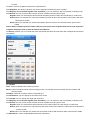
PIC#7
PIC#8
PIC#9
Step 3: Start Monitoring
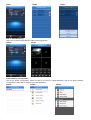
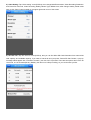
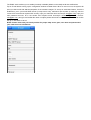
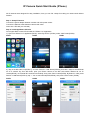
Tap on the camera name(PIC#10) to start monitoring(PIC#11)
PIC#10
PIC#11
Camera Setting Configuration:
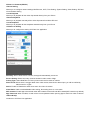
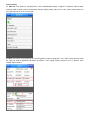
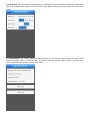
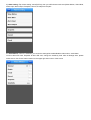
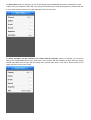
Tap on the “Home” icon(PIC#11), select the device you want to configure(PIC#12), tap on the “Device Setting”
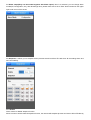
menu(PIC#13), then start to configure your device(PIC#14)
PIC#12
PIC#13
PIC#14