1
Edit Commands
Select All Command
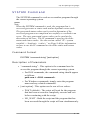
The Select All command selects all of the text within the console
area.
To select all of the text using the menu bar:
1. Select the Edit > Select All menu bar command.
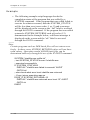
2. All of the text is selected. A box appears around the entire
console area. You can now use one of the other Edit
commands to copy, append, etc. the selected text.
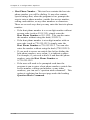
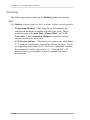
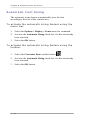
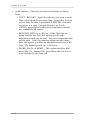
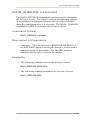
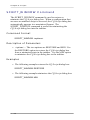
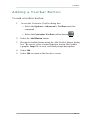
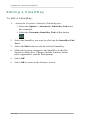
To select all of the text using the toolbar:
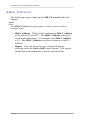
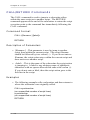
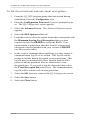
1. Select the Select All toolbar button
.
2. All of the text is selected. A box appears around the entire
console area. You can now use one of the other Edit
commands to copy, append, etc. the selected text.
6-5